

Best Laptop for Digital Marketing and Freelancing: A Spec Guide

At a glance
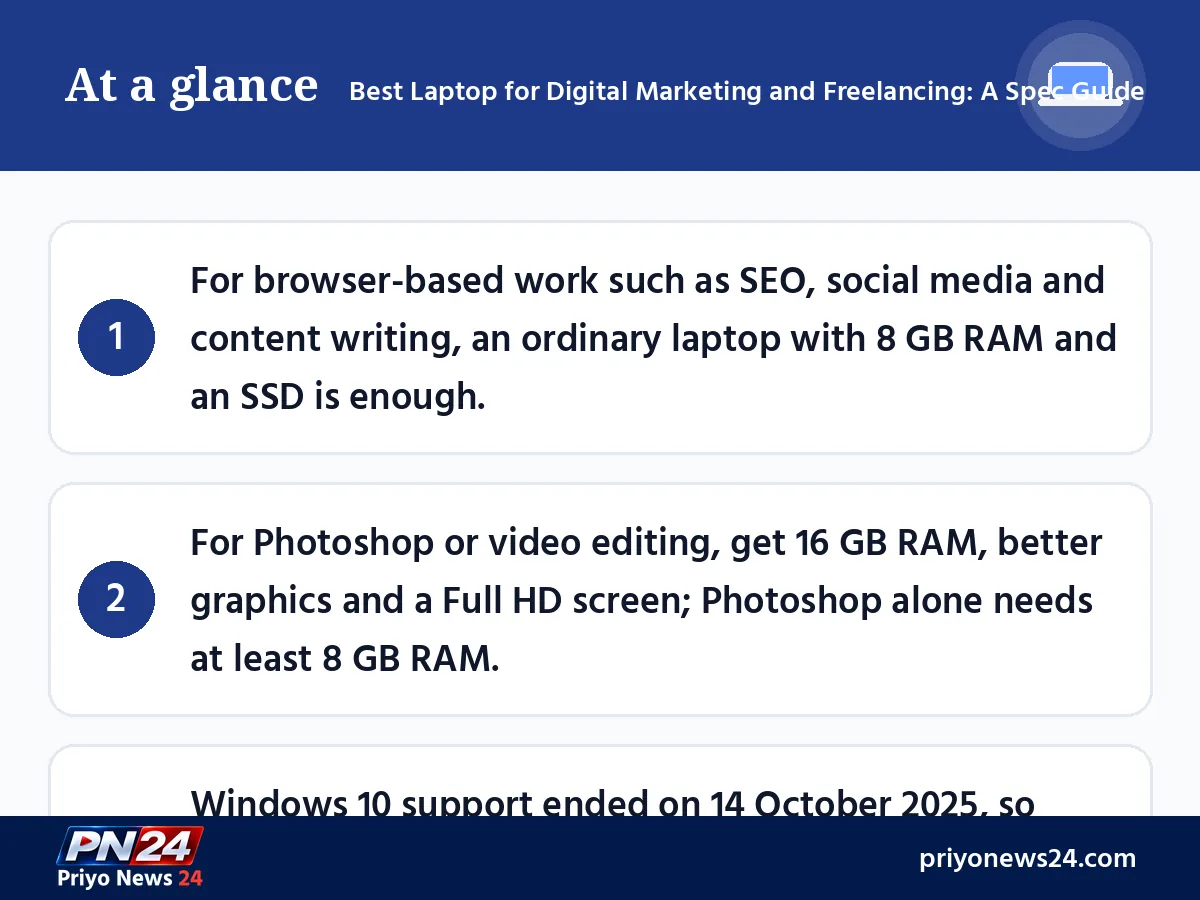
- For browser-based work such as SEO, social media and content writing, an ordinary laptop with 8 GB RAM and an SSD is enough.
- For Photoshop or video editing, get 16 GB RAM, better graphics and a Full HD screen; Photoshop alone needs at least 8 GB RAM.
- Windows 10 support ended on 14 October 2025, so check that any used laptop can run Windows 11 before you buy it.
Anyone starting out in digital marketing or freelancing soon asks the same question: what is the best laptop for digital marketing and freelancing? In online groups some people say any ordinary laptop will do, others insist you need a high-end machine. Both are partly right, because the answer depends on the exact work you plan to do.
Sultan Muhammad Rashed once collected his readers' opinions on this question on his old blog. The main lesson was simple: most digital marketing work does not need an expensive laptop, but design and video work does. This guide updates that idea for November 2026: how much RAM for which task, which processor, why an SSD matters, and what to check before you buy.
First decide what work you will do
Digital marketing is a wide umbrella. Some of it runs entirely in a browser; some of it needs heavy software. Before you choose a laptop, put your work into one of three groups:
- Light work: SEO, keyword research, content writing, email marketing, managing Facebook pages and ads, Google Sheets and online tools such as Canva. Nearly all of it runs in a browser.
- Medium work: many tabs at once, large spreadsheets, video calls, regular Canva design and light photo editing.
- Heavy work: professional design in Photoshop or Illustrator, YouTube or Reels video editing, motion graphics.
Laptop configuration by type of work
The table below is practical guidance. These are not any company's minimum requirements; they are configurations that let you work without constant slowdowns.
| Type of work | Processor | RAM | Storage | Screen and graphics |
|---|---|---|---|---|
| Light (SEO, writing, social media) | Recent-generation Core i3 / Ryzen 3 or better | 8 GB | 256 GB SSD | Full HD, built-in graphics |
| Medium (many tabs, light design) | Core i5 / Ryzen 5 | 8-16 GB | 512 GB SSD | Full HD IPS, built-in graphics |
| Heavy (design, video editing) | Core i5/i7 or Ryzen 5/7 (H-series preferred) | 16 GB or more | 512 GB-1 TB SSD | Good colour screen, dedicated graphics card |
Remember that a processor's generation matters more than its name. A new-generation Core i3 is often faster than an old-generation Core i5. For more on choosing a processor, see our guide to motherboard and CPU compatibility.
RAM: how much is enough
People used to say 4 GB of RAM was fine. That is no longer realistic. According to Microsoft, Windows 11 alone needs at least 4 GB; add ten Chrome tabs, Google Sheets and a video call and the machine slows to a crawl.
- 8 GB: the comfortable minimum for browser-based digital marketing.
- 16 GB: good for design, many tabs and several programs at once. Adobe's current requirements list 8 GB as the minimum just to run Photoshop, so 16 GB is the safe choice for designers.
- 32 GB: for long video edits or 4K work.
When you buy, check whether there is a free RAM slot. Many thin laptops have memory soldered to the board, so it cannot be upgraded later.
Why an SSD is non-negotiable
A slow hard disk (HDD) holds a laptop back more than anything else. With an SSD, Windows starts in seconds, programs open quickly and searching for files is easy. Old advice said "an SSD is nice to have"; today the advice is: don't buy a laptop without one. If you keep lots of photos and videos, use an external drive or cloud storage for the extra space.
Check the Windows version before you buy
Microsoft ended Windows 10 support on 14 October 2025. Free security updates have stopped; only the Extended Security Updates (ESU) programme, paid or with conditions, runs until 12 October 2027. So before buying an old or used laptop, make sure it can run Windows 11. Windows 11's minimum requirements are a 64-bit processor with 2 or more cores, 4 GB RAM, 64 GB storage and TPM 2.0. Because you handle client data, getting security updates really matters.
Laptop or desktop?
For the same money a desktop usually gives a more powerful processor, a bigger monitor and easier upgrades, which is why many experienced marketers prefer one for working at home. A laptop, on the other hand, keeps working on battery during power cuts and comes with you to class, the office or a client meeting.
| Point | Laptop | Desktop |
|---|---|---|
| Portability | Goes anywhere | Stays in one place |
| Work during power cuts | Runs on battery | Needs a UPS |
| Power for the money | Lower | Higher |
| Upgrades | Limited | Easy |
| Screen | 14-15.6 inches | Can use a large monitor |
You can also combine the two: buy a laptop and plug in an extra monitor at home. With two screens, viewing reports and dashboards side by side becomes much easier.
Checklist before you buy
Before ordering in a shop or online, check these points:
- At least 8 GB RAM, and whether it can be upgraded later.
- SSD storage, at least 256 GB.
- A Full HD (1920x1080) screen. Big spreadsheets and designs are hard to work with on a low-resolution screen.
- Genuine Windows 11 or the operating system you prefer.
- Battery life: real-world reviews should show at least a few hours.
- A good keyboard and webcam: you will write a lot and take client calls.
- Warranty and service: is there an authorised service centre in your district?
Prices change often with the market and the dollar rate, so don't plan your budget around one model's price; compare several shops on the day you buy.
Making an old laptop work for now
If you can't afford a new laptop yet, don't give up. A few changes can bring an old machine back to life:
- Replace the hard disk with an SSD. On an old laptop this single upgrade makes the biggest difference.
- Add RAM if there is a free slot. Going from 4 GB to 8 GB makes many browser tabs much easier.
- Turn off startup apps. In Task Manager's Startup tab, disable apps you don't need so the laptop starts faster.
- Keep fewer tabs open and remove browser extensions you don't use.
Once you start earning, move up to a better machine step by step from that income. That is the realistic path.
Mistakes to avoid
- Buying on brand or processor name alone. Without checking generation, RAM and SSD, even a "Core i7" laptop can be slow.
- Thinking a gaming laptop is required for digital marketing. Unless you do heavy video editing, the extra cost, weight and short battery life give you nothing.
- Having no backup. Never keep client files only on your laptop; keep a copy in the cloud or on a separate drive.
Skills matter more than the laptop
In the end, an expensive laptop won't make you a marketer; skills will. Start with the best configuration you can reasonably afford, then put your time into learning. For word counts and other small online tasks, browser-based free tools such as GrowthPi mean you don't even need to install extra software. And if you later build your own online business, you can upgrade your machine as your work and income grow.
FAQ
Do I need a new laptop to learn digital marketing?
No. You can learn a lot on your smartphone or an old home computer. For regular client work, though, with many tabs, spreadsheets and video calls, a laptop or desktop makes you much faster.
Can I freelance with 4 GB of RAM?
Very light work will run, but a modern browser fills 4 GB after a few tabs, and 4 GB is only Windows 11's minimum. If you buy new, get at least 8 GB, ideally in a model that lets you add more RAM later.
Is a laptop or a desktop better for digital marketing?
For the same money a desktop gives more power, a bigger monitor and easy upgrades. A laptop gives battery backup during power cuts and lets you work in class, at the office or at client meetings. If you always work at one desk, choose a desktop; if you move around, choose a laptop.
Does Photoshop run without a graphics card?
Adobe requires hardware-accelerated graphics, which the built-in graphics of modern processors provide. Everyday social media designs run fine on built-in graphics; heavy design and video editing are faster with a dedicated graphics card.
Should I buy a second-hand laptop?
It can work on a tight budget. Check battery health, the screen, keyboard, charger and Windows 11 support. On Windows you can run powercfg /batteryreport to see the battery's remaining capacity.
Comments
No comments yet — be the first to comment.