

How to Earn Money Selling Photos on Stock Sites: A Full Guide

At a glance
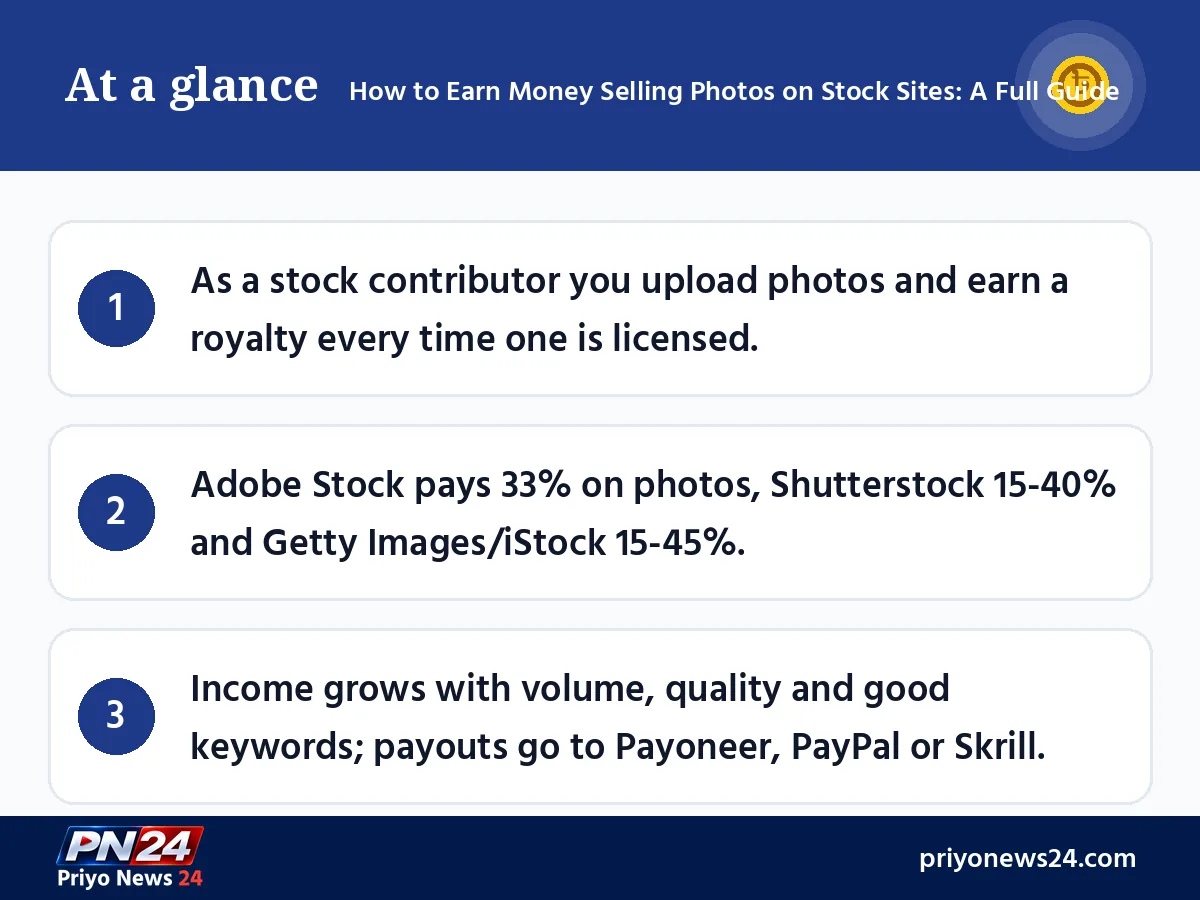
- As a stock contributor you upload photos and earn a royalty every time one is licensed.
- Adobe Stock pays 33% on photos, Shutterstock 15-40% and Getty Images/iStock 15-45%.
- Income grows with volume, quality and good keywords; payouts go to Payoneer, PayPal or Skrill.
Taking photos is no longer just a hobby. Good pictures shot on a smartphone or an ordinary camera can be sold on stock photo sites around the world, and every time someone licenses one, you earn a royalty. This guide shows step by step how to earn money selling photos: which sites to join, how to upload and keyword your images, what income is realistic and how to get paid from Bangladesh. All facts were checked against each site's help pages as of November 2026.
What stock photography is and how photo sales earn money
Stock photos are images licensed for use on websites, ads, books, news stories and social media. You keep ownership of the photo; the stock site sells buyers the right to use it and pays you a share of each sale. The same image can sell again and again for years, which is why many people call it a source of "passive income".
The honest reality is that a single photo usually earns a small amount. Income grows only when your portfolio holds hundreds of good images on the subjects buyers actually search for.
Popular stock photo sites and royalty rates (2026)
Here is the latest information for the main sites:
| Site | How to join | Contributor share | Payment |
|---|---|---|---|
| Adobe Stock | Sign in to the Contributor portal with an Adobe ID | 33% on photos, 35% on video | PayPal, Payoneer or Skrill once you reach $25 |
| Shutterstock | Open an account and submit photos | 15% to 40% (6 levels) | Monthly, via Payoneer, PayPal or Skrill |
| Getty Images / iStock | Apply with 6 sample files | 15% to 45% | Under your contributor agreement |
| Alamy | Open an account and submit photos | 15%, 20% or 40% based on yearly sales | Under the site's terms |
| Stocksy | Apply; members are selected | 50% to 75% depending on the license | Under the site's terms |
Changes in 2026 you should know about
- EyeEm has closed: the popular photo app and marketplace EyeEm shut down on 16 January 2026. Contributors could opt to move their work to Freepik. Any older article that recommends EyeEm is now out of date.
- Alamy cut its commission: from September 2026 Alamy uses new tiers. Contributors with less than $250 in yearly sales get just 15%, those between $250 and $3,000 get 20%, and those above that get 40%.
- Getty and Shutterstock did not merge: their proposed merger was terminated in July 2026 over conditions set by the UK competition regulator. Both continue as separate platforms, and you can contribute to each one independently.
- Shutterstock levels reset every year: every contributor goes back to level 1 on 1 January.
How to get started, step by step
Step 1: Build a small portfolio
Pick at least 30-50 of your best photos. Instead of ten near-identical shots of one scene, choose good images of different subjects. Make sure each one is in focus, well exposed and free of noise.
Step 2: Open your accounts
- Adobe Stock: sign in to the Contributor portal with your Adobe ID and you can start uploading.
- Shutterstock: create a contributor account, verify your identity and fill in the tax form.
- Getty Images/iStock: submit 6 sample files on the application page. A reply usually arrives within a week. You must be at least 18, and photos must be JPEGs of at least 3 megapixels and under 50MB.
Step 3: Upload and add metadata
After uploading, give every photo a clear title, description and keywords. This is how buyers find your work. For example, instead of just "river", write "fishing boat on the Padma river at sunset, Bangladesh". Your keywords should cover the subject, place, colours, mood and possible uses (travel, rural life, fishing boat).
Step 4: Review and approval
The site's review team checks quality, legal issues and commercial potential. If a photo is rejected, read the reason. Common ones are focus problems, noise, visible logos or trademarks, and missing model releases.
Step 5: Set up payments
Shutterstock calculates earnings monthly and usually pays between the 7th and the 15th of the month through Payoneer, PayPal or Skrill; you can set your own minimum payout. On Adobe Stock you can request a payout once you have at least $25, but 45 days must pass after your first sale. Both sites need a valid tax form; without one, Adobe withholds up to 30% depending on your country.
How much can you really earn?
Be wary of anyone promising big money overnight from stock photos. According to the official help pages:
- Shutterstock: at least $0.10 per download. When a buyer pays very little per image in a large subscription pack, your share is rounded up to $0.10; single-image sales and bigger licenses pay more.
- Adobe Stock: on a $29.99 monthly plan with 10 images, the contributor earns about $0.99 per photo licensed.
In other words, meaningful monthly income takes hundreds or thousands of images and months of patience. Many people treat it as a side income rather than a full-time job.
What kind of photos sell well
Bangladeshi photographers have a big advantage: local subjects that are scarce on international sites.
- Everyday life: farmers, fishermen, artisans, markets, rickshaws, tea stalls (with model releases when people are recognisable).
- Festivals and culture: Pohela Boishakh, Eid preparations, boat races, handicrafts.
- Nature and travel: the Sundarbans, tea gardens, rivers, monsoon scenes, beaches.
- Food: biryani, pitha, sweets, street food, styled and shot in good light.
- Business and technology: working on a laptop, online meetings, mobile payments, office scenes.
- Concept images: education, health awareness, environment, saving money, the kind of themes advertisers need.
Mistakes to avoid
| Mistake | Why it is a problem | Fix |
|---|---|---|
| Brand logos in the frame | Rejected for trademark reasons | Avoid or remove logos |
| Recognisable people without a release | Cannot be sold commercially | Get a signed model release |
| Wrong or irrelevant keywords | Rejected in review, not found in search | Describe only what is in the photo |
| Heavy filters and editing | Lower quality, buyers avoid it | Natural colours, light edits |
| Uploading someone else's photos | Copyright violation, account closure | Submit only your own work |
Tips for success
- Upload regularly: set a habit of adding a fixed number of new photos each week.
- Use several sites: with non-exclusive agreements, you can offer the same photo on several sites and raise your chances of a sale.
- Research keywords: keyword tools help you understand what buyers type. You will find some free online tools at GrowthPi.
- Study your sales reports: see which kinds of photos sell and shoot more of them.
- Build your own brand: a portfolio on social media alongside stock sites can bring direct photography work too.
Final thoughts
Earning money from photos takes patience, but its big advantage is that one good picture can keep earning for years. Start with easy sites such as Adobe Stock or Shutterstock, focus on quality, add accurate keywords and upload regularly. If you want advice on turning photography into an online career or a personal brand, you can visit Sultan Muhammad Rashed's website at sultanmuhammadrashed.com.
FAQ
Can I sell photos taken with my phone on stock sites?
Yes. Most stock sites accept smartphone photos as long as they are sharp, well exposed, large enough (Getty Images asks for at least 3 megapixels) and free of heavy noise. Shoot in good light, avoid digital zoom and skip heavy filters.
How do I get stock photo earnings in Bangladesh?
Shutterstock and Adobe Stock both pay through Payoneer, PayPal and Skrill. From Bangladesh, Payoneer is usually the most practical option because you can transfer the money to a local bank account. Each site also asks you to submit a tax form before paying.
How much does one photo sale pay?
It depends on the site, the license and your level. Shutterstock pays at least $0.10 per download, and on Adobe Stock a $29.99 monthly plan with 10 images works out to about $0.99 per photo for the contributor. Larger licenses pay more, but beginners usually earn small amounts per image.
Which stock photo site is best for beginners?
Adobe Stock and Shutterstock are the easiest places to start because joining is simple and they have many buyers. Getty Images/iStock asks for 6 sample files in an application, and Stocksy accepts members selectively. You can submit the same photos to several non-exclusive sites.
What do I need to sell photos of people?
If a person is recognisable, commercial use requires a signed model release. Photos of private homes or property may need a property release. Without a release, the image can only be sold for editorial use or will be rejected.
Can I sell AI-generated images?
Not everywhere. Getty Images and iStock do not accept files created or modified with generative AI. Other sites have their own rules, so read the contributor guidelines of each site before submitting.
Sources
- Adobe Stock — Royalty rates for content
- Adobe Stock — Payment requirements for Contributors
- Shutterstock Contributor — How much will I be paid
- Shutterstock Contributor — How do I get paid for my work
- Shutterstock Contributor — Why am I still seeing $0.10 earnings
- Getty Images — Work with us
- Stocksy — How does membership work
- PetaPixel — Alamy contributor contract changes
- PetaPixel — EyeEm is shutting down
- CEPIC — Getty Images and Shutterstock terminate planned merger
Comments
No comments yet — be the first to comment.