

How to Write AI Prompts: 8 Ways to Get Better Answers from ChatGPT and Gemini

At a glance
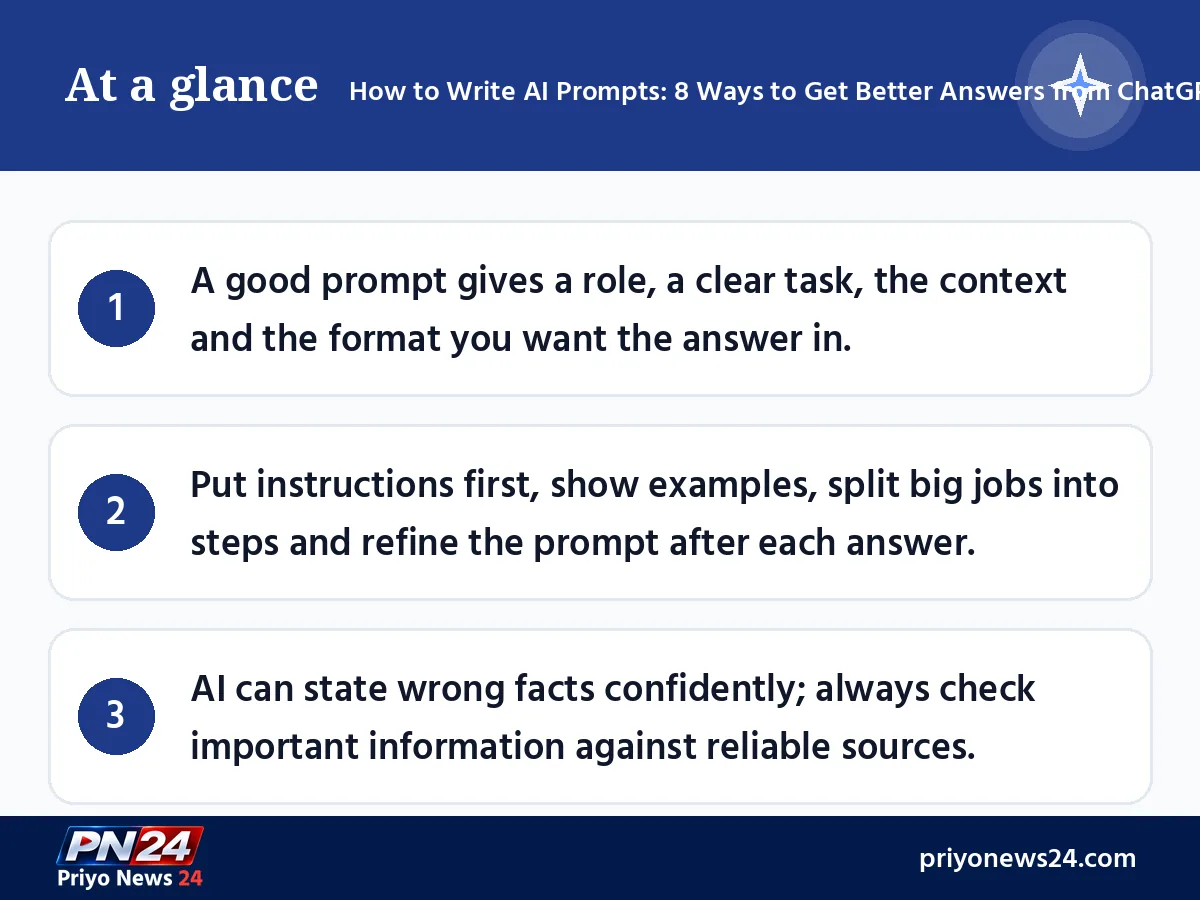
- A good prompt gives a role, a clear task, the context and the format you want the answer in.
- Put instructions first, show examples, split big jobs into steps and refine the prompt after each answer.
- AI can state wrong facts confidently; always check important information against reliable sources.
Type "write me a letter" into ChatGPT or Gemini and you get one kind of answer. Type "I work at a private office in Dhaka; write a polite 120-word email to my boss asking for 2 days of sick leave" and you get a far better one. The difference is not the AI, it is the question. The instruction you give an AI chatbot is called a prompt, and the skill of writing good ones is called prompt engineering.
This guide explains how to write AI prompts in plain language. The tips are drawn from the points that the prompt guides published by OpenAI (maker of ChatGPT), Google (Gemini) and Microsoft agree on, as of November 2026. Students, office workers, freelancers and small business owners can all put them to use.
The 4 parts of a good prompt
Google Workspace's prompting guide breaks an effective prompt into four parts:
| Part | What it means | Example |
|---|---|---|
| Persona | The role the AI should take | "You are an experienced accountant" |
| Task | Exactly what to do | "Make a monthly budget" |
| Context | Your situation and the facts it needs | "Family of 4, monthly income 45000 taka" |
| Format | How you want the answer laid out | "A table by expense category, in Bangla" |
Not every prompt needs all four, but the more of them are clear, the more useful the answer.
How to write AI prompts: 8 practical tips
1. Be specific and drop vague words
OpenAI's guide says to be as specific as possible about the context, outcome, length, format and style you want. Instead of "keep it short", say "in 3 to 5 sentences". Instead of "a good post", say who it is for, which platform and how many words.
2. Put instructions first and separate the text
When you want a long text summarised or translated, write the instruction first and then the text. OpenAI suggests separating the two with markers such as ### or """ so the AI can tell the task from the material.
Example:
Summarise the main points of the text below in 3 bullet points in simple English. """ (your text here) """
3. Say what to do, not only what not to do
Rather than "don't use difficult words", write "use words a 12-year-old can understand". OpenAI's guide also recommends stating the behaviour you want instead of only listing what to avoid.
4. Show examples
Showing one or two examples of the answer you want helps the AI follow that pattern. Google's Gemini prompting guide calls these few-shot prompts and recommends including examples in most cases. To get product descriptions, for instance, paste one description you wrote and say "write 5 more in this style."
5. Split big jobs into steps
Instead of "make a full marketing plan for my business" in one go, ask step by step: first the target customer, then the promotion channels, then a one-month content calendar. Both the Google and Microsoft guides advise breaking complex tasks down.
6. Refine with follow-up questions
If the first answer is not right, stay in the same chat and say "make it shorter", "use a formal tone" or "explain the second point with an example". Google's advice is to treat prompting as a conversation and improve the result step by step.
7. Ask the AI to ask you questions
If you are unsure what information a task needs, write: "Before you start, ask me whatever you need to know." The missing context then comes out on its own.
8. State the language and format
If you want the answer in Bangla, write "answer in Bangla". Say whether you want a table, bullet points, a numbered list of steps or an email.
Weak prompt vs strong prompt: side by side
Here is how much the same request changes when you apply the tips above:
| Weak prompt | Strong prompt |
|---|---|
| "Write an essay" | "Write a 400-word essay on 'Floods in Bangladesh' for a class 8 student, in 5 parts: introduction, causes, damage, remedies and conclusion." |
| "Give me business ideas" | "Give 5 small business ideas that can start with 50000 taka in a district town; show the likely cost, risk and first step of each in a table." |
| "Teach me English" | "You are an English teacher. I am preparing for job interviews. Give me a 7-day plan of 10-minute daily practice, with 5 useful sentences each day." |
The strong prompts say who the text is for, how long it should be, how it is structured and what format to use, so the AI does not have to guess and you do not have to keep rewriting your question. If writing such a prompt first time feels hard, start short, look at the answer and add what is missing. Save the prompts that work well in a note so you can reuse them later with new details.
Ready-to-use prompt examples for readers in Bangladesh
Replace the details with your own:
- Students: "You are a patient physics teacher. Explain Newton's third law of motion to an HSC student with everyday examples, then give me 3 questions to test myself."
- Job seekers: "I am a fresh graduate interested in marketing. Based on the job advert below, write a 4-line career objective for my CV. ### (advert) ###"
- Small business owners: "I sell handmade nakshi kantha quilts on Facebook. Write 5 Facebook post captions for the winter season, each under 40 words, in Bangla, ending with a call to order."
- Office workers: "From the meeting notes below, list the decisions, the person responsible and the deadline in a table. ### (notes) ###"
Common mistakes and warnings
- One-word prompts: prompts like "essay" or "business idea" bring generic, average answers.
- Blind trust: AI sometimes writes wrong facts, wrong sources or invented numbers with full confidence. Both OpenAI and Google advise checking answers. Verify government fees, laws, health advice and exam dates on the relevant official website.
- Sharing personal data: do not put NID numbers, passwords, bank or card details or other people's private information in a prompt.
- Submitting AI text as is: handing in AI-written school assignments or office reports word for word can break your institution's rules. Use AI as an assistant and finish the text in your own words. See our guide, How to Use AI for Studying the Right Way.
Final word
The simple formula for writing AI prompts: who should answer, what needs doing, what your situation is and how you want the answer laid out. Add examples, break big jobs into steps and refine with follow-up questions. After a few days of practice, the same chatbot becomes far more useful to you — just remember to verify anything important.
Sources: OpenAI Help Center and developer guide, Google AI for Developers' prompt design guide, Google Workspace and Google Blog prompt tips, and Microsoft Learn (links below).
FAQ
What is a prompt?
A prompt is the instruction, question or text you give ChatGPT, Gemini or another AI chatbot. The AI builds its answer from the prompt, so the clearer the prompt, the more useful the answer.
Can I write prompts in Bangla?
Major chatbots understand Bangla and can answer in it, though answer quality in Bangla can sometimes be weaker than in English. State the language you want in the prompt; for complex topics you can ask in English and request the answer in Bangla.
How long should a prompt be?
There is no fixed length. One line is enough for a simple question, but for letters, reports or plans, adding a role, context and format makes the answer much better. Cut vague words and give specific details instead.
Does AI always give correct information?
No. Both OpenAI and Google warn that AI can produce wrong or made-up information. For law, health, money, fees or dates, check official or reliable sources.
Is it safe to put personal information in a prompt?
Do not enter NID numbers, passwords, bank card details or other people's private information. Also check the chatbot's settings to see how your conversations are stored.
Sources
- OpenAI Help Center — Best practices for prompt engineering with the OpenAI API
- OpenAI Help Center — Prompt engineering best practices for ChatGPT
- OpenAI Developers — Prompt engineering
- Google AI for Developers — Prompt design strategies
- Google Workspace — Writing effective AI prompts
- Google Blog — 5 ways to write better AI prompts for Gemini
- Microsoft Learn — Prompt engineering techniques
Comments
No comments yet — be the first to comment.