

How to Check e-Passport Status in Bangladesh and What It Means

At a glance
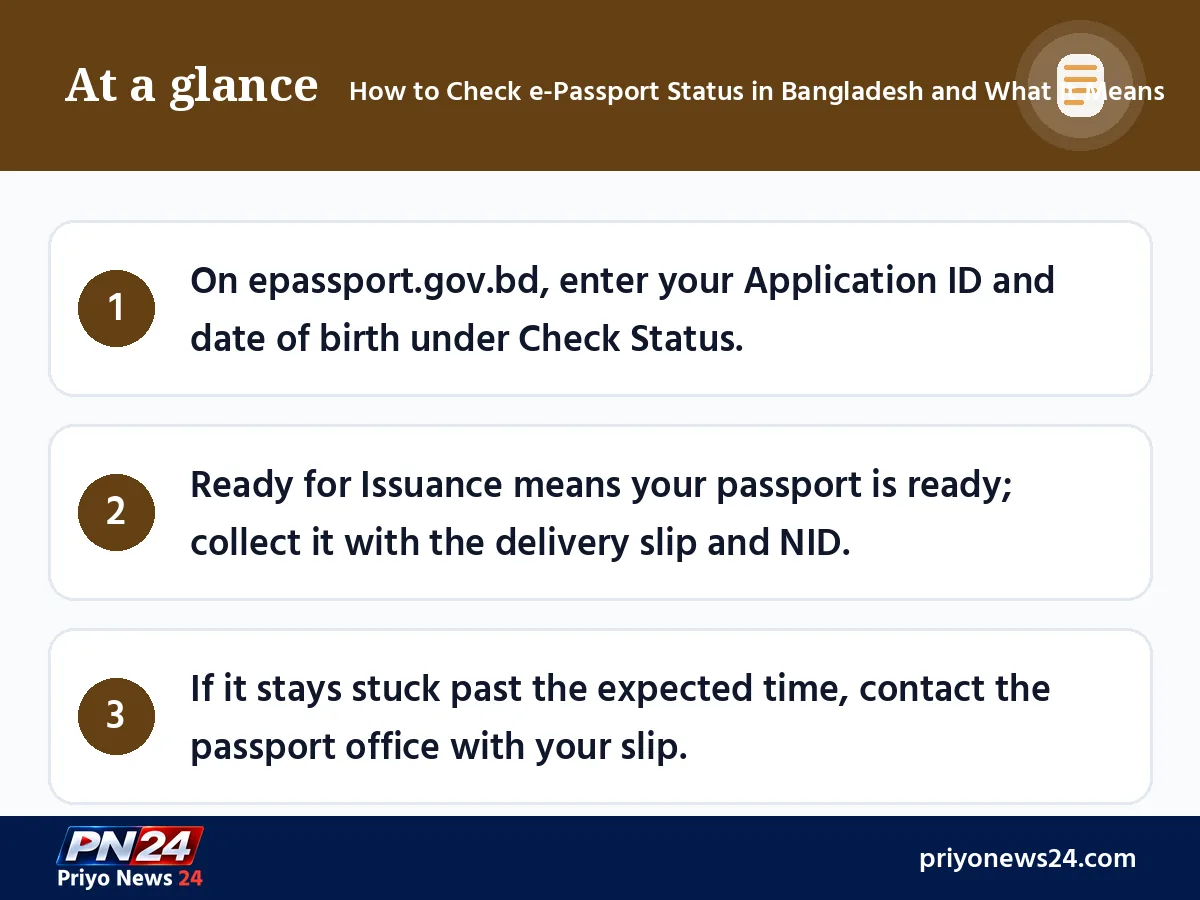
- On epassport.gov.bd, enter your Application ID and date of birth under Check Status.
- Ready for Issuance means your passport is ready; collect it with the delivery slip and NID.
- If it stays stuck past the expected time, contact the passport office with your slip.
After giving biometrics, everyone has the same question: how do I know if my passport is ready? There is no need to visit the office every day. You can check your e-passport status in a few seconds from a phone or computer. This guide explains, as of November 2026, how to check the status on the e-passport portal, which details you need, what each status means, and what to do if your application is stuck for a long time.
For the full application process, documents and fees, see our guide How to apply for an e-passport and mistakes that delay it.
What to Keep Ready Before Checking
- Delivery slip: the paper the office gives you after biometric enrolment (photo, fingerprints, iris). It shows your Application ID.
- Online Registration ID: the ID you received after submitting the online form (it appears in the application summary or PDF).
- Applicant's date of birth: exactly as entered in the form.
Do not lose the delivery slip; you also need it on collection day. Keeping a photo of it on your phone is a good habit.
How to Check e-Passport Status: Step by Step
- Open the official e-passport portal epassport.gov.bd in a browser. The address must end in .gov.bd.
- Click the Check Status button on the home page.
- Enter the ID from your delivery slip in the Application ID or Online Registration ID field.
- Enter the applicant's Date of Birth.
- Fill in the captcha and click Check.
- The current status of your application appears on screen.
You also receive SMS updates at key stages on the mobile number given in the application, so keep that number active.
What Passport Status Means: Where Your Application Is
The exact wording on the portal can change over time, but an application generally moves through these stages:
| Stage | General meaning | What you do |
|---|---|---|
| Application received, biometrics done | The office has taken your data and biometrics | Wait |
| Verification and approval in progress | NID or birth registration data is being matched | Wait |
| Printing or personalisation | The passport book is being produced centrally | Wait |
| Sent to office | The passport is on its way to your office | Wait for the SMS |
| Ready for Issuance | The passport has reached the office and is ready | Collect it with your slip and NID |
| Delivered | The passport has been handed over | Check every detail |
Remember one important change: Prothom Alo, Jugantor and other outlets reported that in 2025 the government removed the police verification requirement for passports. Passports are now issued after checking NID or online birth registration data. So there is no longer a wait at a police verification stage; the main cause of delay is now usually mismatched information.
What to Do When It Says Ready for Issuance
- Take your delivery slip and original NID (for a child, the birth registration certificate and the parents' NIDs).
- Go to the delivery section of the passport office where you gave biometrics. Check the office's delivery hours first.
- Collect the passport by giving a fingerprint or signature.
- Before leaving, check the name, date of birth, parents' names and validity. If something is wrong, tell the officer right away.
How Long It Takes to Get a Passport
Counting from the day of biometric enrolment, the usual times are:
- Regular: about 15 working days
- Express: about 7 working days
- Super Express: about 2 working days
These are working days, so public holidays are not counted. Busy periods before Eid or long holidays can cause some delay.
If It Is Stuck for a Long Time: Likely Causes and Fixes
| Likely cause | What to do |
|---|---|
| Name, date of birth or address does not match the NID or birth registration | Ask the office for the reason; submit correction documents if needed |
| Previous passport details were not given | Contact the office with a copy of your old passport |
| Professional certificate or NOC not submitted | Submit the required document |
| Checking with the wrong ID or date of birth | Re-check the ID on your slip |
If the status does not change even after the expected time, go to the office yourself with your slip and a copy of your NID. Avoid agents or "fast-track" offers. Government fees are paid online or at a bank, and there is no rule requiring extra money.
Common Mistakes When Checking Status
Many people panic when they see "No record found" or no result at all. Usually the cause is small:
- Wrong ID: the Online Registration ID and the Application ID can differ. Try the ID on your slip first, then the other one.
- Date format: check that the day, month and year are in the right order, exactly as entered in the form.
- Spaces or extra characters: a copied ID can carry a space at the start or end.
- Checking right after biometrics: data may not update in the system on the same day; try again the next day.
- Old browser page: refresh the page or try another browser.
Extra Care for a Child's Passport
For applicants under 18, the online birth registration certificate and the parents' NID details are matched. The most common reason a child's passport gets stuck is that a parent's name is spelled differently in the birth registration and in that parent's NID. Before applying, place these three documents side by side and match the spelling. When checking status, enter the child's date of birth, not a parent's. Passports for those under 18 are usually valid for 5 years, so plan for renewal before expiry. On collection day, bring the original birth registration certificate and the parents' NIDs.
If You Applied Abroad
If you applied for an e-passport at a Bangladesh embassy or mission abroad, the status check works the same way: Check Status on epassport.gov.bd. The finished passport is sent to the mission where you applied, so check that mission's website or notices for collection times and rules. Many missions publish separate e-passport instructions on their websites.
After You Receive Your Passport
- Sign the signature page if applicable, and keep a photo and photocopy of the data page in a separate place.
- Note the expiry date in your calendar. Many countries require at least 6 months of validity for travel, so apply for renewal early.
- Keep the passport away from moisture and folds; an e-passport has a chip inside, so avoid punching holes or bending it hard.
- Keep any returned or cancelled old passport safely; it can be useful later as proof of past visas.
Beware of Scams
Checking your status is free. If a Facebook page or an unknown website asks for your ID, date of birth or a photo of your NID to "check your passport", do not share it. Enter your details only on epassport.gov.bd.
Final Word
Checking your e-passport status is simple: your Application ID and date of birth are enough. When it shows Ready for Issuance, go to the office with your documents without delay, and check every detail when you receive it. If the expected time has passed, ask at the office in person. Most problems come from small data mismatches that are fixed once you show the right papers.
FAQ
What do I need to check my e-passport status?
The Application ID (or Online Registration ID) printed on your delivery slip and the applicant's date of birth. Enter them under Check Status on epassport.gov.bd, fill in the captcha, and the current status appears.
How do I know if my passport is ready?
When the status shows Ready for Issuance or similar and you receive an SMS on the mobile number given in your application, your passport is ready to collect. Go to the designated office with your delivery slip and NID.
What does Ready for Issuance mean?
It means the passport has been printed, has reached the office where you applied and is ready for handover. The applicant collects it in person; for a child, a parent can usually collect it.
How long does it take to get an e-passport?
From the day of biometric enrolment, regular delivery usually takes about 15 working days, express about 7 working days and super express about 2 working days. Mismatched information can make it take longer.
What should I do if the status is stuck for a long time?
If the expected time has passed, go to the office where you gave your biometrics with your delivery slip and a copy of your NID. If there is a data mismatch or a correction is needed, the office will tell you. Go yourself, not through an agent.
Comments
No comments yet — be the first to comment.