

What Is iPhone Crash Detection? How It Works, Supported Models and How to Turn It On or Off

At a glance
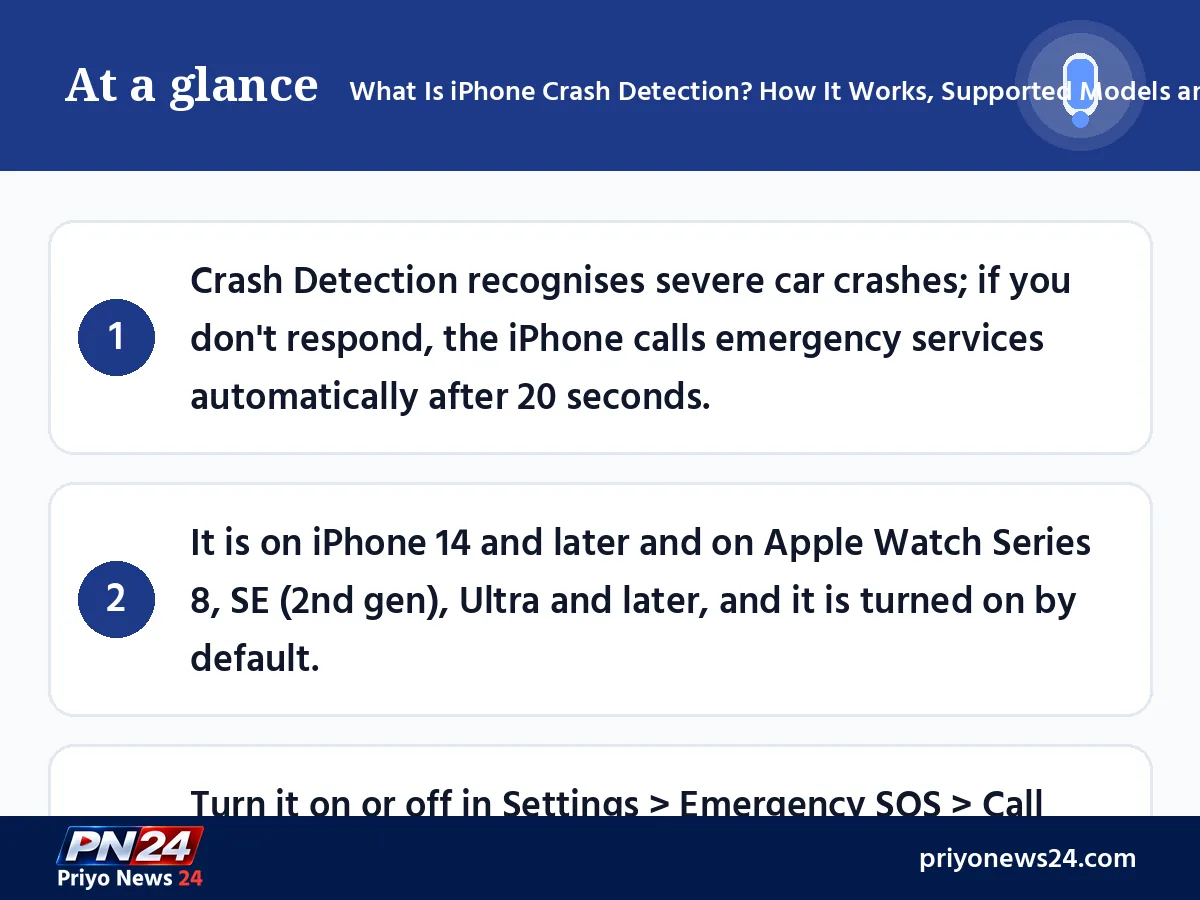
- Crash Detection recognises severe car crashes; if you don't respond, the iPhone calls emergency services automatically after 20 seconds.
- It is on iPhone 14 and later and on Apple Watch Series 8, SE (2nd gen), Ultra and later, and it is turned on by default.
- Turn it on or off in Settings > Emergency SOS > Call After Severe Crash; in Bangladesh the emergency number is 999, so set your emergency contacts in advance.
The first few minutes after a road accident matter most. But if you are knocked unconscious or your phone has flown out of reach, you cannot call anyone yourself. Apple's answer to that problem is Crash Detection. Many people buying a new iPhone see the name in Settings without knowing what iPhone Crash Detection is, when it kicks in, or what happens if it goes off by mistake.
This guide explains in plain language how the feature works, which iPhone and Apple Watch models have it, how to turn it on or off, and what to prepare before relying on it in Bangladesh. The information is current as of November 2026 and is based on Apple's official support pages and several news reports.
What is iPhone Crash Detection
Crash Detection is an emergency safety feature on iPhone and Apple Watch that recognises a severe car crash and helps you get help. According to Apple Support, it can detect front-impact, side-impact and rear-end collisions as well as rollovers. It was designed with ordinary passenger vehicles in mind: sedans, minivans, SUVs, pickup trucks and other cars.
Apple introduced the feature with the iPhone 14 series in 2022. Every iPhone since then has it, and it is switched on by default, so you don't need to do anything to activate it.
One point is worth stating up front: Apple itself says Crash Detection cannot detect all crashes. Treat it as an extra layer of protection, not as a substitute for a seatbelt or careful driving.
How Crash Detection works
To recognise a crash, the iPhone combines data from several sensors. According to Apple's announcement and multiple tech reports, these include:
- High-g accelerometer: measures sudden, violent changes in motion; Apple says it can register forces of up to 256 G.
- Gyroscope: detects changes in direction when a car spins or rolls over.
- Barometer: picks up the sudden change in cabin air pressure when airbags deploy.
- GPS: shows how fast the vehicle was moving and whether it stopped abruptly.
- Microphone: recognises the loud sound of an impact.
Only when these signals line up does the phone conclude that a severe crash has happened. Dropping your phone or braking hard normally will not trigger it.
What happens after a crash, step by step
- Alert: when a crash is detected, the iPhone shows an alert and sounds a loud alarm.
- 20-second window: during this time you can cancel the call or place an emergency call yourself.
- Automatic call: if you don't respond within 20 seconds, the iPhone calls emergency services by itself.
- Recorded message: if you cannot speak, the phone plays an audio message telling emergency services that you have been in a severe crash, along with your latitude and longitude and an approximate search radius.
- Emergency contacts alerted: if you have emergency contacts set up, they receive a message that you were in a crash, together with your location.
If you are wearing an Apple Watch and carrying an iPhone, Apple says the alert and call usually come from the watch.
Which iPhone and Apple Watch models have Crash Detection
| Device | Models | Minimum software |
|---|---|---|
| iPhone | iPhone 14 series and every later model (including 15, 16 and 17 series) | iOS 16 |
| Apple Watch | Series 8 and later | watchOS 9 |
| Apple Watch | SE (2nd generation) and later | watchOS 9 |
| Apple Watch | Ultra and later | watchOS 9 |
iPhone 13, iPhone 12 and earlier models do not have the feature and will not get it through a software update, because it needs newer sensors. Many refurbished and older iPhones are sold in Bangladesh, so if Crash Detection matters to you, check the model number before you buy.
How to turn Crash Detection on or off
The feature is on by default, but it is worth checking once:
- Open the Settings app on your iPhone.
- Scroll down and tap Emergency SOS.
- Find Call After Severe Crash. If the switch is green, it is on.
- To turn it off, tap the switch. The phone asks you to confirm; tap Turn Off.
To turn it off on Apple Watch, open the Watch app on your iPhone and go to Emergency SOS, or use the Settings app on the watch itself.
When switching it off makes sense
After the feature launched in 2022, several news outlets reported accidental emergency calls triggered on roller coasters or while skiing abroad. Apple later improved detection through software updates. Even so, you may choose to switch it off temporarily during theme-park rides, motor racing or off-road driving, and turn it back on afterwards.
What to know before using it in Bangladesh
Crash Detection needs a mobile network or Wi-Fi calling. The iPhone calls the emergency number of the country it is in. In Bangladesh, the national emergency service number is 999, which connects you to the police, fire service and ambulance.
On iPhone 14 and later, some countries also support sending emergency messages via satellite when there is no network. This works only in countries on Apple's list, so check Apple's support page for the current list before counting on it in Bangladesh. On stretches of highway where coverage is weak, don't rely on a phone call alone.
Preparations to make today
- Add emergency contacts: open the Health app, go to Medical ID and add one or two family members under Emergency Contacts. They will receive the crash alert.
- Fill in your Medical ID: blood group, allergies or regular medicines can then be seen by rescuers from the lock screen. Keep Show When Locked switched on.
- Keep Location Services on: your location cannot be shared without it.
- Keep the software updated: install updates regularly from Settings > General > Software Update.
- Keep the phone charged: on long journeys, no feature helps if the battery is flat.
Common misconceptions about Crash Detection
- "It detects every accident": no. Apple designed it mainly for severe car crashes. A minor bump or other kinds of accidents may not trigger it.
- "An older iPhone will get it with an update": no. The feature relies on new sensors introduced with the iPhone 14, so iPhone 13 and earlier will not get it even after a software update.
- "A false call will get me into trouble": if a call goes out by mistake, stay on the line and calmly explain that there was no accident. This causes no problem and prevents anyone being sent unnecessarily.
Final word
iPhone Crash Detection is a feature you won't need every day, but on the day you do, it can save a life. If you use an iPhone 14 or newer, check that it is switched on, set up your emergency contacts and Medical ID, and above all wear your seatbelt and travel safely.
FAQ
What is iPhone Crash Detection?
It is a safety feature on iPhone 14 and later. When the phone's sensors detect a severe car crash, it shows an alert, and if you don't respond within 20 seconds it calls emergency services by itself.
Which iPhones have Crash Detection?
According to Apple Support, every iPhone 14 model and later (running iOS 16 or later) has it, as do Apple Watch Series 8, SE (2nd generation), Ultra and later models. iPhone 13 and earlier do not.
How do I turn off Crash Detection?
Open Settings, tap Emergency SOS and switch off Call After Severe Crash. On Apple Watch you can do the same from the Emergency SOS section of the Watch app. For safety, keeping it on is recommended.
What should I do if it calls emergency services by mistake?
Don't hang up. Tell the operator that there was no accident and the call was triggered by mistake so nobody is sent unnecessarily. Tapping Cancel during the countdown stops the call from being made.
Does Crash Detection work for motorbike accidents?
Apple designed it for front, side and rear-end collisions and rollovers involving passenger cars such as sedans, minivans, SUVs and pickup trucks. Other kinds of accidents may not be detected, and Apple itself says it cannot detect all crashes.
Sources
- Apple Support — Use Crash Detection on iPhone or Apple Watch to call for help in an accident
- Apple iPhone User Guide — Manage Crash Detection on iPhone 14 or later
- Apple Watch User Guide — Manage Crash Detection on Apple Watch
- NBC Los Angeles — Apple's Crash Detection feature automatically alerts emergency services after collision
- Bangkok Post — iPhone crash detection feature explained
- TapSmart — How Crash Detection on iPhone and Apple Watch could save your life
Comments
No comments yet — be the first to comment.