

How to Write a CV and Cover Letter with ChatGPT: 7 Steps, Prompts and Precautions for Job Seekers

At a glance
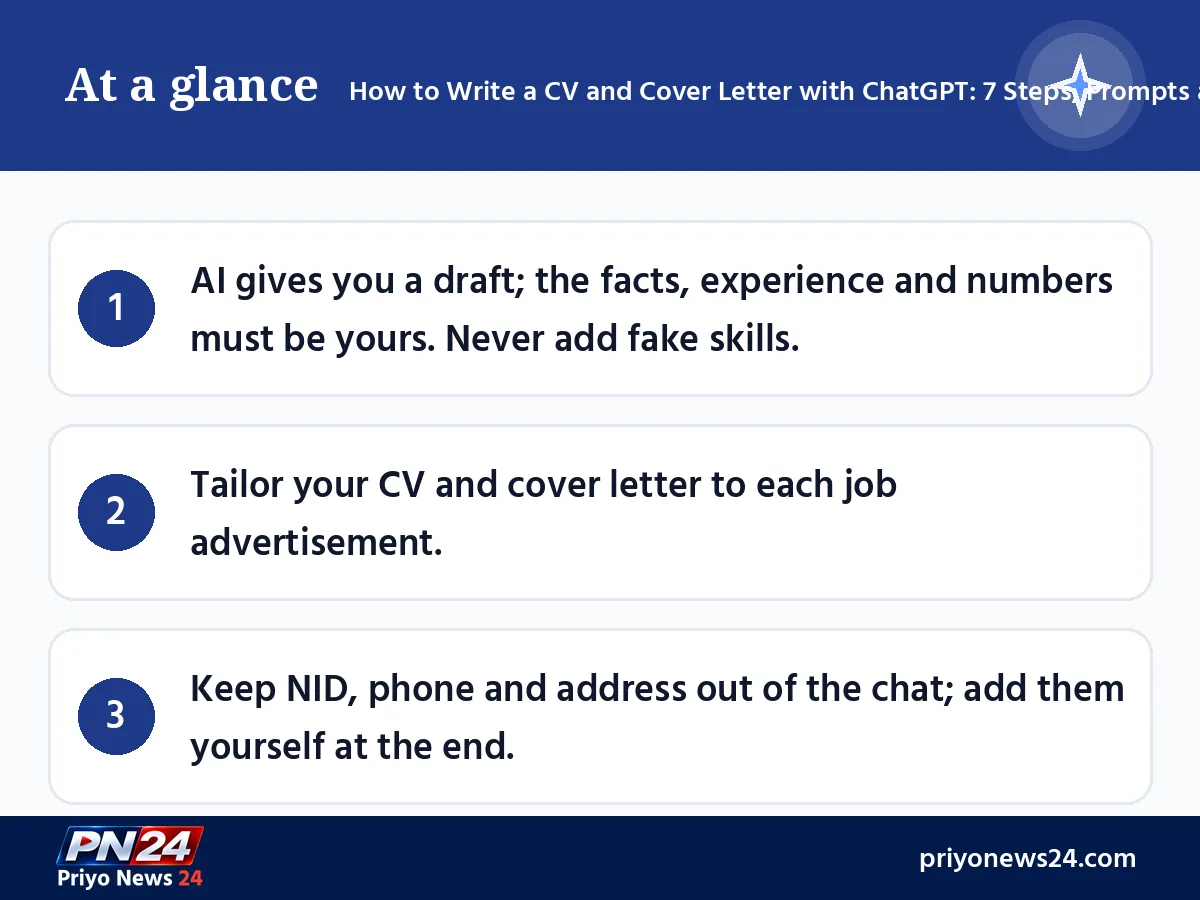
- AI gives you a draft; the facts, experience and numbers must be yours. Never add fake skills.
- Tailor your CV and cover letter to each job advertisement.
- Keep NID, phone and address out of the chat; add them yourself at the end.
When you apply for a job, most of the time goes into organising your CV and writing a cover letter. Many job seekers now write their CV with ChatGPT, and Gemini or other AI chatbots can do the same work. Used well, AI turns your scattered notes into a clean structure, smooths the language and helps you decide which skills to show first for a particular job advertisement.
Used badly, it backfires: every CV starts to sound the same, the AI invents skills or numbers, and personal data ends up in a chat window. This guide shows, step by step, how to use AI as an assistant while keeping the CV truly yours.
What to know before writing a CV with ChatGPT
- The AI does not know your facts; you do. Where you studied, what you did and what you achieved must come from you. The AI only arranges it.
- AI can make things up. It sometimes inserts figures such as "increased sales by 30%" on its own. Never keep anything on your CV you cannot back up; it will cause trouble in the interview.
- One CV does not fit every job. Each role has different duties, so the summary and the order of skills should change with each advertisement. This is where AI saves the most time.
- Be careful with personal data. What you type in a chat may be stored on a server. According to OpenAI's help pages, ChatGPT's Data Controls let you stop your chats being used to improve its models, and there is also a Temporary Chat mode (both options available as of November 2026).
Step-by-step: how to write a CV with ChatGPT
Step 1: Make a rough list of your information
Write it all down in a notepad: education (institution, subject, year, result), work experience (organisation, position, period, main duties), achievements (things you can measure, such as how many orders you handled a month), training and certificates, and computer and language skills. Don't worry about spelling or sentences; this is raw material.
Step 2: Copy the job advertisement
Copy the "responsibilities" and "requirements" parts of the job you are applying for. The AI will use them to see which words and skills matter. Large organisations often screen CVs with software (an ATS), so including the advertisement's key terms helps, as long as you genuinely have those skills.
Step 3: Give a clear prompt
Tell the AI its role, the task, your information and the rules in one go. For example:
"You are an experienced HR consultant. Below are my details and a job advertisement. Write a one-page CV in English for this job. Use only the information I give you and do not add any numbers or skills yourself. Where information is missing, leave a question in [ ] brackets."
The last line matters: the AI will ask you instead of filling the gaps itself.
Step 4: Sharpen the summary and achievements
Recruiters read the 3-4 line professional summary at the top and the bullet points under each job first. Ask the AI: "Start each bullet with an action verb and show results wherever I have given a number." For example, instead of "kept shop accounts", write "updated records of about 40 sales a day in Excel", provided that number is real.
Step 5: Check it line by line and edit
Read the draft line by line and ask: did I really do this? Can I explain it in an interview? Replace words you would never say yourself ("passionate", "dynamic", "synergy") with plain language. Double-check dates, organisation names and results.
Step 6: Add personal details yourself
Don't type your name, phone, email or address into the chat. Write "[phone]" as a placeholder and fill it in later in Word or Google Docs. A CV usually doesn't need your NID, birth registration, passport number or bank details; give them only if the advertisement asks for them separately.
Step 7: Fix the format and file
Keep a simple, clean one- or two-column design; heavy graphics are sometimes not read properly by screening software. Save it as a PDF with a name like "Name-Position-CV.pdf". Keep the same information updated on your online job portal profile.
How to write a cover letter with AI
A cover letter must explain why you are right for this specific position and organisation. A sample prompt:
"Based on this advertisement and my CV, write a cover letter under 300 words. Three paragraphs: the position I am applying for and why I am interested; 2 relevant experiences; a request for an interview. Polite but plain language, no excessive praise."
When you get the draft, check the organisation's name, the job title and the recipient's name (if known). Add one specific thing you know about the organisation, such as a product or service of theirs you have used. That small personal touch is what sets your letter apart from generic AI text.
How AI helps with a first-job or fresher CV
If you have no work experience, organising a CV feels hardest. AI helps a lot here, as long as you give it the raw details:
- Study projects and thesis: What you worked on, which software or methods you used and what results you got. The AI will arrange them in a "Projects" section.
- Internships, tuition and part-time work: How many students you tutored, or for how many years, shows responsibility and consistency.
- Volunteering and clubs: Debating, blood donation, scouts or university club roles are good examples of leadership and teamwork.
- Online courses and certificates: Keep only those relevant to the job and for which you can show the certificate.
Tell the AI: "I am a fresh graduate with no work experience. Build a one-page CV from the projects, tuition and club details below and put education at the top." The same prompt works in Gemini, Copilot or any other AI chatbot, and the same privacy precautions apply everywhere.
More useful prompts
| Task | Sample prompt |
|---|---|
| Analyse the advertisement | "List the 8 most important skills and keywords in this job advertisement." |
| Gap check | "Which requirements of this advertisement are missing from my CV? Just list them." |
| Bangla to English | "Turn my experience written in Bangla into simple professional English bullet points." |
| First job | "I have no work experience; build my CV around study projects and volunteer work." |
| Interview preparation | "Looking at this CV, what 10 questions might I be asked in an interview?" |
Mistakes to avoid
- Sending the AI text unchanged. Recruiters easily spot the same style of sentences again and again.
- Adding fake skills or certificates. If verification catches it, you risk losing the job.
- Using one CV for every job. At least change the summary and the order of skills.
- Sharing photos or numbers of personal documents in the chat.
- Not checking spelling and dates. AI can get organisation names or years wrong.
Final word
AI will not get you the job, but it can turn hours of organising a CV and cover letter into minutes. Give it your real information, set clear rules, and rewrite the draft in your own words. You will save time, and your CV will still sound like you.
FAQ
Can employers tell if a CV was written with ChatGPT?
Many recruiters recognise the same generic phrases that AI tools produce. Don't send the AI draft as it is; rewrite it with your own experience, numbers and words. What matters most is that the facts are true and match what the job requires.
What information is safe to give ChatGPT for a CV?
Professional details such as education, skills, responsibilities and achievements are fine. Keep your NID number, date of birth, full address, phone number, passport or bank details out of the chat and add them to the final file yourself.
Should my CV be in Bangla or English?
Most private companies and multinationals in Bangladesh expect an English CV. Government jobs usually require you to fill in a set online form. Always follow the language and format the advertisement asks for.
How long should an AI-written cover letter be?
Usually 250 to 400 words in 3-4 paragraphs is enough. Tell the AI the word limit in the prompt, then cut any unnecessary flattering sentences.
How do I stop ChatGPT from using my chats to train its models?
In ChatGPT, go to Settings, then Data Controls, and turn off 'Improve the model for everyone'. You can also use Temporary Chat. OpenAI's help pages explain these controls in detail.
Comments
No comments yet — be the first to comment.