

AI Resume Maker: Which Tools to Use, How to Build a CV and What to Watch Out For

At a glance
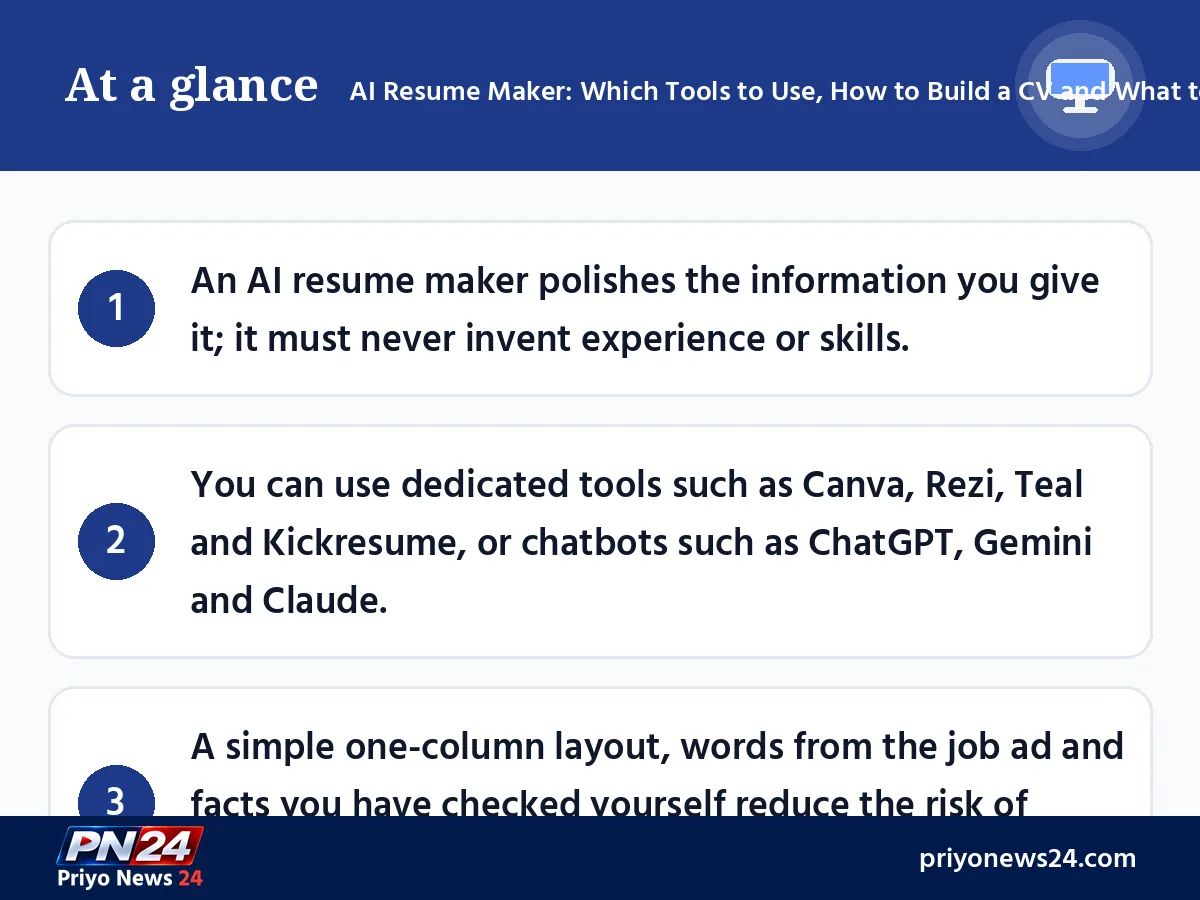
- An AI resume maker polishes the information you give it; it must never invent experience or skills.
- You can use dedicated tools such as Canva, Rezi, Teal and Kickresume, or chatbots such as ChatGPT, Gemini and Claude.
- A simple one-column layout, words from the job ad and facts you have checked yourself reduce the risk of being filtered out by an ATS.
The job ad closes tonight and your CV still is not ready. That is the moment many people search for an AI resume maker. Artificial intelligence really can produce a clean CV in a few minutes. Used carelessly, though, the same CV can get you rejected at the very first screening. This guide explains what an AI resume maker actually does, the main types of tools, how to build a CV step by step and the precautions you should never skip. Information is current as of November 2026.
What an AI resume maker is and what it can do
An AI resume maker is a tool where you enter your education, work experience, skills and goals; it then writes a professional summary, job descriptions and a skills list and arranges them in a template. Typically it can:
- Polish language: turn a loose line such as "handled office accounts" into a clear bullet point that starts with an action verb.
- Match a job: many tools show which skills or keywords from a pasted job ad are missing from your CV.
- Design and templates: place your CV in a ready-made template and export it as a PDF.
- Cover letters: some tools also draft a cover letter from the same information.
It is just as important to know what it cannot do: the AI has no idea whether your experience is true. Hiring experts quoted by the US tech careers site Dice give the same advice: use AI to polish your CV, not to write it for you.
Popular AI resume maker tools
There are two kinds of solution: tools built specifically for CVs, and general AI chatbots. The table lists several that are widely used in November 2026. Almost all of them let you start for free, but free plans usually limit downloads, templates or AI uses, and those terms change often, so check the current plan before signing up.
| Tool | Type | Good for |
|---|---|---|
| Canva AI Resume Builder | AI resume option inside a design tool | Beginners who want an attractive design |
| Rezi | ATS-focused resume builder | Applicants to multinational or overseas jobs |
| Teal | Resume builder + job application tracker | People applying to many jobs |
| Kickresume, Enhancv | Templates + AI writing | A quick professional look |
| ChatGPT, Gemini, Claude | General AI chatbots | Polishing text, translating and tailoring a version for each job |
One caution: not every eye-catching template can be read well by automated screening software. Companies such as Teal and Rezi warn in their guides that multiple columns, icons or text placed inside images can stop an ATS from extracting your details correctly. If you use a design tool, pick a simple single-column template.
How to build a CV with AI, step by step
Whatever tool you use, these steps give much better results.
Step 1: Write down your own facts first
Before opening any AI tool, make a plain note with your education (institution, subject, year, result), what you did in each job or internship, which software you know, any training or certificates, and numbers wherever possible: how many customers you handled, how much sales grew, how many projects you finished. The better the raw material, the more realistic the CV.
Step 2: Keep the job advertisement at hand
Sending the same CV everywhere is the biggest mistake. Copy the duties and requirements section of the job you are applying for. CareerOneStop, run by the US Department of Labor, also advises using the words from the job ad in your CV (where they genuinely apply to you), because many employers screen applications with software first.
Step 3: Give a clear prompt
With a chatbot you could write:
"Below are my work details and a job advertisement. Using only the information I gave, write a one-page English CV draft for this role. Do not add any new skills or experience. Describe each job in 3-4 bullets starting with action verbs."
The line "do not add anything new" matters, because AI sometimes invents skills or achievements on its own.
Step 4: Check the draft line by line
Read every line the AI wrote and ask yourself: did I really do this? Could I give an example if asked in an interview? Remove inflated words ("world-class", "exceptional leadership") and correct any wrong years or company names.
Step 5: Use a simple format and save as PDF
Keep one column, a common font and clear headings (Summary, Experience, Education, Skills). One page is enough for freshers; two pages for experienced candidates. Name the file with your name and the job title, for example "Rahim-Hasan-Accounts-Officer.pdf". Add a professional photo only if the employer asks for one.
Rules for an ATS-friendly CV
An ATS (Applicant Tracking System) is software that larger employers use to sort and screen applications. In Bangladesh, multinationals, large banks and many other organisations also use online application systems. When you use an AI resume maker, keep these points in mind:
- Avoid tables, text boxes and two columns: their text is often read out of order.
- Do not turn text into images: "star ratings" for skills or icons cannot be read by software.
- Use standard headings: write "Work Experience", not "My Journey".
- Mirror the job ad's wording: if the ad says "MS Excel", use the same name in your CV, as long as you really know it.
- No hidden keywords: hiding keywords in white text can get your application rejected if it is noticed.
Protecting your data and staying honest
Cybersecurity company Kaspersky warns in a guide on writing a resume with AI that what you type into online tools may be stored on the company's servers and, in some cases, used to train AI. So:
- Never give an AI tool your NID number, birth registration number, or bank or mobile banking details; a CV does not need them anyway.
- Write only your area and city instead of your full home address (for example "Mirpur, Dhaka").
- Do not paste confidential information from a past employer, client names or internal figures.
- If you like, draft without your name and phone number and add them yourself later.
- If the tool's privacy settings let you stop your data being used for training, switch that on.
The biggest precaution is honesty. Fake skills or experience invented by AI are exposed in interviews or background checks after joining, and that costs you not only the job but your professional reputation.
Extra tips for job seekers in Bangladesh
- Freshers: if the experience section is empty, list university projects, your thesis, internships, volunteer work and online courses, and ask the AI to phrase them as skills.
- From Bangla to English: you can describe your work in Bangla and ask the AI to rewrite it in professional English CV language; then check the spelling and meaning.
- Job portal profiles: local job portals often require you to fill in the site's own CV form. You can copy the AI-polished text into it, but read every field again.
- A different version for each application: keep one master CV and use AI to tailor the summary and skills for each role.
Final word
An AI resume maker is a capable assistant, not a machine that gets you the job. Give it your real information, tailor the CV to each role, keep the format simple and be careful with personal data. Used this way, hours of work shrink to minutes, and the CV is still truly yours.
FAQ
What is an AI resume maker?
It is an online tool or app where you enter your education, work history and skills, and artificial intelligence turns them into professional wording, places them in a template and lets you download a CV or resume.
Which free AI resume maker is best?
Canva's AI Resume Builder, Rezi, Teal, Kickresume and many others let you start without paying, but most free plans limit downloads, templates or AI uses. Check the current plan before you sign up. For a completely free route, polish your text with a chatbot and paste it into a simple Word or Google Docs template.
Can employers tell a CV was written by AI?
Often they can, especially when the text is generic, repetitive or exaggerated. Edit the AI draft into your own voice, add specific numbers and real examples, and be ready to explain every line in an interview.
Is it safe to give an AI tool my national ID number or full address?
No, and it is not needed. A CV does not need your NID number, birth registration number or bank details. Give the AI tool only your work information and add your name, phone and email yourself at the end. Read the tool's privacy policy.
What is Claude AI?
Claude is an AI assistant (chatbot) made by the US company Anthropic. Like ChatGPT or Gemini it can write, edit, translate and answer questions, so it is useful for tidying CV bullet points or drafting a cover letter.
Should a CV in Bangladesh be in Bangla or English?
Private companies, NGOs and multinationals usually expect an English CV. Government jobs usually require a specific online application form. Always follow the language and format the job advertisement asks for.
Sources
- Canva — AI Resume Builder
- Kaspersky — How to improve your resume with AI without exposing your data
- Dice — Use AI to polish your resume, not write it into oblivion
- CareerOneStop (US Department of Labor) — Write your resume for current hiring practices
- Rezi — ATS resume builder
- Teal — Canva resume templates and ATS
Comments
No comments yet — be the first to comment.