

What Is a Computer? How It Works, Types, Computer Viruses and How to Start Learning

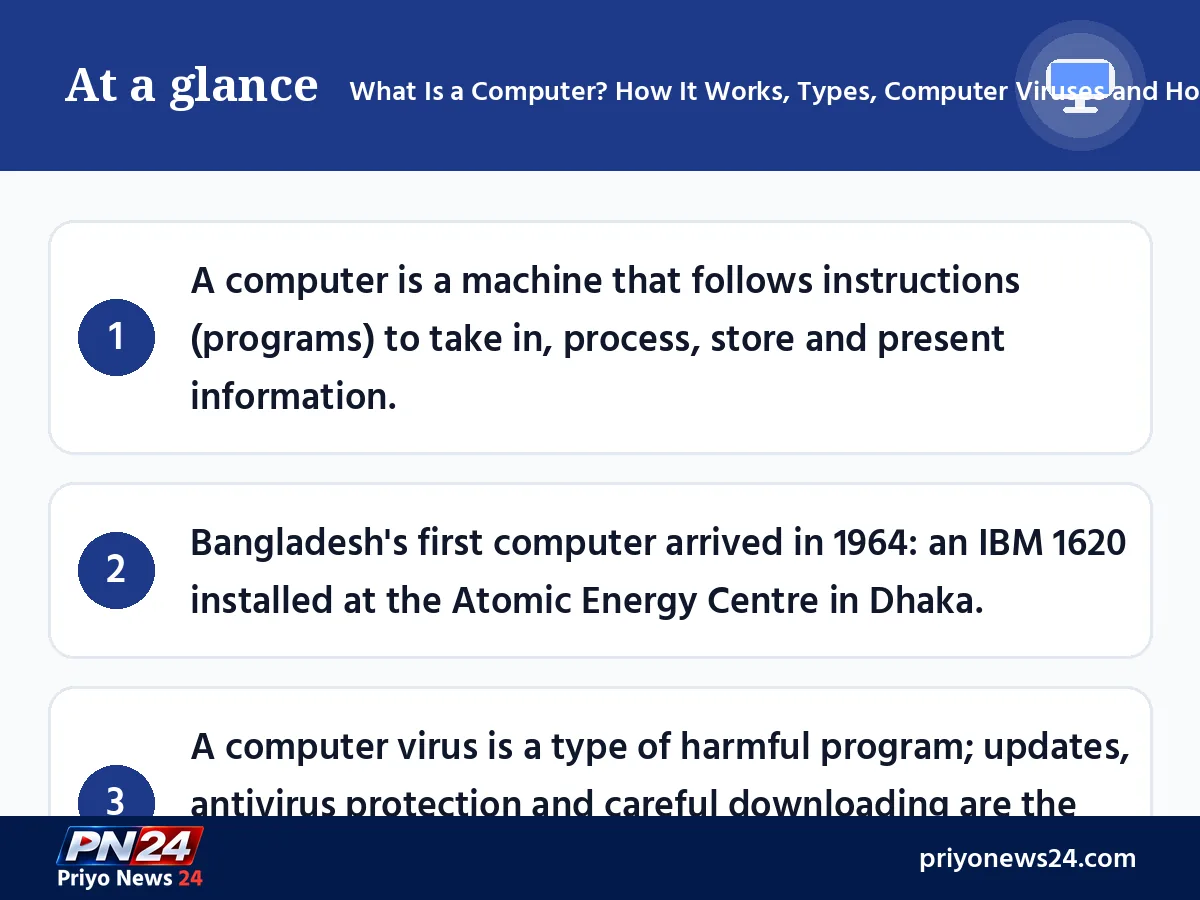
At a glance
- A computer is a machine that follows instructions (programs) to take in, process, store and present information.
- Bangladesh's first computer arrived in 1964: an IBM 1620 installed at the Atomic Energy Centre in Dhaka.
- A computer virus is a type of harmful program; updates, antivirus protection and careful downloading are the best defence.
Office accounts, school exam results, bank transactions, videos on your phone: almost everything runs on computers. Yet a simple, well-organised answer to "what is a computer" is often missing. This article brings together the definition of a computer, how it works, its parts and types, a short history including how computers came to Bangladesh, what a computer virus is, and where to start with computer education.
What is a computer: a simple definition
A computer is an electronic machine that takes in information (data) according to specific instructions, or programs, processes it, shows the result and stores information when needed. The English word "compute" means to calculate; early computers were essentially machines for large calculations. Today the same machine handles text, images, sound, video and communication.
As Britannica describes, a digital computer processes information as numbers (0s and 1s, that is, binary). The main characteristics of a computer are:
- Speed: it can perform billions of calculations a second.
- Accuracy: with correct data and programs the result is accurate. Wrong input gives wrong output, known as "garbage in, garbage out".
- Memory: it can store huge amounts of information for a long time.
- No fatigue: it repeats the same task at the same quality again and again.
- No intelligence of its own: a computer does nothing without instructions; even AI runs on programs and data made by people.
How a computer works
Every computer works in a cycle of four steps:
- Input: data and instructions enter through a keyboard, mouse, touchscreen, scanner, microphone or camera.
- Processing: the processor, or CPU (Central Processing Unit), performs calculations and logic according to the instructions. While working, data sits in RAM.
- Output: results appear on a monitor, printer or speaker.
- Storage: results and files are kept permanently on an SSD or hard disk.
Example: you type 25 × 4 into a calculator (input), the processor multiplies (processing), the screen shows 100 (output), and if you save the result in a file it goes to storage.
Hardware and software
A computer has two basic parts:
| Part | What it means | Examples |
|---|---|---|
| Hardware | The physical components you can touch | Processor, motherboard, RAM, SSD, monitor, keyboard |
| System software | The core programs that run the computer | Windows, macOS, Linux, Android |
| Application software | Programs for specific tasks | Word, Excel, web browser, Photoshop |
| User | The person who gives instructions and uses the results | You |
Software cannot run without hardware, and without software, hardware is just metal and plastic.
Types of computers
By how they work:
- Analog computers: measure continuously changing values such as temperature, pressure or speed.
- Digital computers: work with numbers (binary); almost all computers we use are digital.
- Hybrid computers: combine analog and digital; used in some hospital equipment and scientific work.
By size and power:
- Supercomputers: for huge calculations such as weather forecasting and space research.
- Mainframes: handle the work of thousands of users at once for banks, airlines and large organisations.
- Minicomputers or servers: run the networks and data of medium-sized organisations.
- Microcomputers: desktops, laptops and tablets; even a smartphone is really a small computer.
Computers in everyday life
A computer is not just a box on a desk; it hides inside many machines around us. A few familiar examples:
- Education: online admission applications, exam results, online classes and digital content.
- Banking and payments: ATMs, online banking and mobile financial services all run on computer systems.
- Health: diagnostic machines, hospital patient records and report preparation.
- Business and jobs: shop accounts, e-commerce, office documents and freelancing for international clients from home.
- Communication and entertainment: email, video calls, social media, music, films and games.
- Government services: online applications, fee payments and certificate verification.
A short history, and computers in Bangladesh
In the 19th century British mathematician Charles Babbage designed the Difference Engine and the Analytical Engine. The Analytical Engine already had the ideas of input, memory, processing and output on which modern computers are built, which is why he is called the father of the computer. ENIAC, built in the United States in the 1940s, was one of the first general-purpose electronic digital computers and filled a large room. Transistors, integrated circuits and then microprocessors made computers smaller, cheaper and more powerful until they reached ordinary homes.
Bangladesh's first computer arrived in 1964. According to Banglapedia and The Business Standard, an IBM 1620 was installed at the Atomic Energy Centre in Dhaka, in what was then East Pakistan, mainly for scientific research calculations. From that start, offices, banks, education, freelancing and e-commerce in the country now barely function without computers.
What is a computer virus and how to stay safe
A computer virus is a harmful program that hides itself in other files or programs, copies itself to spread, and can damage files, steal information or slow a computer down. A virus is one type of malware (malicious software); others include worms, trojans, spyware and ransomware, which locks your files and demands money.
According to Microsoft's support guidance, malware usually spreads through email attachments, suspicious links, illegal or "cracked" software, downloads from unknown websites and infected USB drives. To protect yourself:
- Keep Windows Update and all your software up to date.
- Keep Windows Security (Microsoft Defender) or a reliable antivirus switched on.
- Do not open attachments or links from unknown sources; verify unusual messages even from people you know.
- Avoid cracked software; legal free alternatives exist for almost every task.
- Scan USB drives before opening them.
- Back up important files to a separate drive or the cloud so an attack does not cost you your data.
If your computer suddenly becomes unusually slow, shows unfamiliar pop-ups, starts programs by itself or file names change, run a full system scan.
Computer education: where to start
Computer skills are now basic for jobs, study and running your own business. A simple order for beginners:
- Basic operation: switching the computer on and off, keyboard and mouse, creating, copying and searching files and folders.
- Typing: Bangla (Unicode) and English typing; a little practice each day builds speed.
- Office applications: letters and CVs in Word, calculations and formulas in Excel, presentations in PowerPoint.
- Internet and email: finding information, writing emails, attaching files, keeping files in the cloud.
- Security: strong passwords, two-factor verification, recognising scam links.
- Next steps: graphic design, web development, programming, data entry or digital marketing, according to your interest.
Expensive courses are not always necessary; there are many free Bangla videos online and official support pages from companies such as Microsoft. But nothing replaces hands-on practice. If you want to join a course, check the syllabus, the trainer's experience and how much practical class time it offers.
Final word
What is a computer? In one line: a machine that processes information by following instructions. But once you understand its working steps, parts, types and the rules for safe use, it becomes a truly powerful tool for you. Start your computer education today with one small skill.
FAQ
What is a computer in one sentence?
A computer is an electronic machine that takes in data, processes it quickly and accurately according to a program's instructions, shows the result and stores information when needed.
Who is the father of the computer?
British mathematician Charles Babbage is called the father of the computer. In the 19th century he designed the Difference Engine and the Analytical Engine, which contained the core ideas of modern computers.
When did Bangladesh get its first computer?
In 1964 an IBM 1620 computer was installed at the Atomic Energy Centre in Dhaka, in what was then East Pakistan. It is regarded as the first computer in Bangladesh.
What is a computer virus?
A computer virus is a harmful program that attaches itself to other files or programs, spreads copies of itself and can damage files, steal information or slow a computer down. A virus is one type of malware.
How do I start learning computers?
Start with using the keyboard, mouse and operating system, managing files and folders, typing in Bangla and English, Word, Excel and PowerPoint, email and safe internet use. Then move on to graphic design, programming or digital marketing according to your interest.
Sources
- Britannica — Digital computer
- Computer Hope — What is a computer?
- Banglapedia — Computer
- The Business Standard — Bangladesh's first computer and the man behind its arrival
- Wikipedia — Atomic Energy Centre, Dhaka
- Microsoft Support — Protect my PC from viruses
- Microsoft Support — How malware can infect your PC
Comments
No comments yet — be the first to comment.