

How to Start a Website: What a Website Is, From Domain and Hosting to Going Live

At a glance
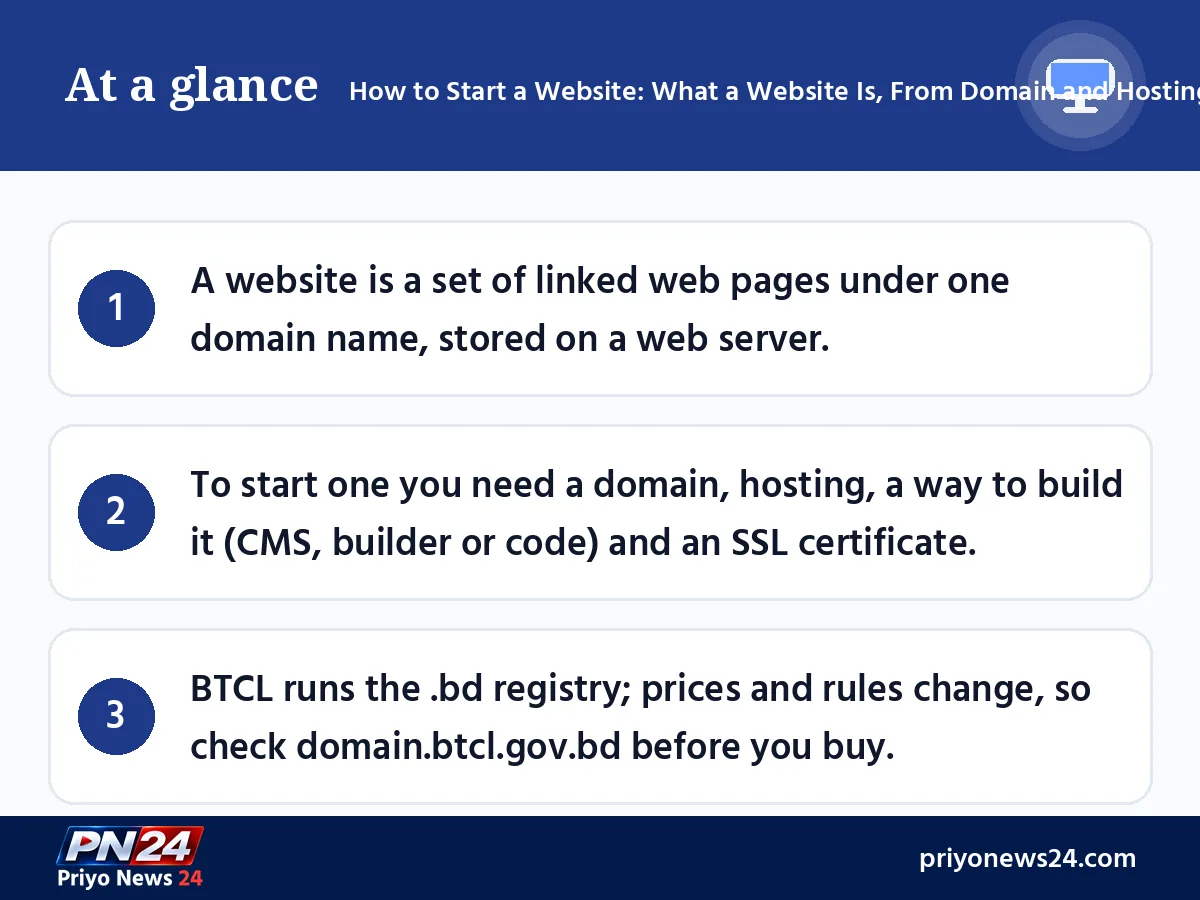
- A website is a set of linked web pages under one domain name, stored on a web server.
- To start one you need a domain, hosting, a way to build it (CMS, builder or code) and an SSL certificate.
- BTCL runs the .bd registry; prices and rules change, so check domain.btcl.gov.bd before you buy.
A shop, a coaching centre, a small business or your own writing: everything now needs an address online. Even if you have a Facebook page, your own website matters because the rules are yours and people can find you directly through Google search. This guide first explains in plain words what a website is and what it does, then walks through how to start a website step by step, from buying a domain to going live.
What is a website and what does it do?
According to MDN, Mozilla's developer guide, a web page is a single page you see in a browser, while a website is a collection of linked web pages under one domain name. The computer that stores those pages and sends them when a visitor asks is a web server. A site like Google that helps you find pages on other websites is a search engine. Understanding the difference between these four ideas also helps with ICT exam preparation.
A website's main jobs are:
- Informing: who you are, your services, address and opening hours.
- Selling: showing products and taking orders and payments (e-commerce).
- Contact: contact forms, chat and newsletters.
- Building trust: a professional site and email on your own domain raise customer confidence.
- Earning: advertising and affiliate income on blogs and news sites.
Static vs dynamic websites
| Point | Static | Dynamic |
|---|---|---|
| How pages are made | Ready-made HTML files | Built by the server from a database |
| Making changes | Edit the files | Easily from an admin panel |
| Examples | Portfolio, one-page profile | News site, online shop, blog |
| Cost and complexity | Lower | Relatively higher |
What you need to start a website
A website needs four main things:
- A domain name: the site's address, such as yourshop.com. It is rented by the year and must be renewed every year.
- Hosting: space on a server where the site's files and database live. If the domain is the street address, hosting is the house.
- A way to build it: a CMS such as WordPress, a drag-and-drop website builder, or custom code from a programmer.
- An SSL certificate: it gives the https and padlock at the start of the address; without it browsers show "Not secure". Free SSL such as Let's Encrypt can be switched on in one click with most hosting.
How to start a website: 8 steps
Step 1: Decide the purpose and pages
Write down why you are building the site and which pages it needs. For a typical business site, Home, About, Services or Products, Contact and a Privacy Policy are enough. A clear plan makes it easier to talk with a designer or developer and keeps costs down.
Step 2: Choose a domain name
Pick a name that is short, easy to say and hard to misspell. The fewer hyphens and numbers, the better. Check that it is not another brand's trademark. For the extension:
- .com: the best known internationally, available from any international registrar.
- .bd and .com.bd: Bangladesh's country domains. The registry is run by the state-owned BTCL; you can get them directly from domain.btcl.gov.bd or through an authorised reseller. There is also a .বাংলা domain in Bangla script.
A note on price: domain and hosting prices vary between registrars and often change with offers. Even in November 2026, compare both the first-year price and the renewal fee on the registrar's website before buying, because first-year discounts don't carry over. Check BTCL's portal for the latest .bd fees and required documents.
Step 3: Register the domain in your own name
This matters a lot. According to ICANN's guidance for registrants, the person whose name and contact details are used to register a domain is its holder (registrant). So even if a designer or agency buys it for you, make sure the account and registrant details are in your name and on your email. Write the renewal date in your calendar and turn on auto-renew if you can; once it expires, someone else can buy the name.
Step 4: Choose hosting
- Shared hosting: many sites on one server; an affordable start for small businesses and blogs.
- VPS or cloud: a dedicated slice for you; needed when traffic grows.
- Local vs foreign: if your visitors are mostly in Bangladesh, a nearby data centre or CDN-backed hosting improves speed. Also check whether billing is in taka and via bKash or Nagad, and whether support is available in Bangla.
Before buying hosting, check for backups, free SSL, email accounts and a refund policy.
Step 5: Connect the domain and hosting
The hosting company gives you two nameserver addresses (such as ns1.example.com). In the panel where you bought the domain, replace the nameservers with these. The change can take from a few minutes to up to about 48 hours to take effect.
Step 6: Build the site
Most hosting control panels can install WordPress in one click. Then choose a theme, add your logo and write the pages. If you can't do it yourself, hire a developer, but take the admin password and all access into your own hands when the work is done.
Step 7: SSL and security
Turn on SSL and check that the site opens on https. Use strong passwords and two-factor login, keep themes and plugins updated, and take regular backups.
Step 8: Go live and tell Google
Open the site on a phone and test every link and form. Then add the site to Google Search Console and submit a sitemap so Google finds the pages faster. For a business, also add the website address to your Google Business Profile.
Which way to build: choosing your path
There are three common ways to build a website. Pick by your skills, budget and future plans:
| Path | Best for | Advantages | Limits |
|---|---|---|---|
| Website builder (such as Google Sites) | Complete beginners, small profile sites | Quick without code, often free | Limited design and features, hard to move |
| CMS (such as WordPress) | Blogs, small businesses, online shops | Thousands of themes and plugins, edit pages yourself | Needs regular updates and security care |
| Custom code (Laravel, React, etc.) | Large news sites, organisations with special needs | Full control, speed and your own features | More cost and time, needs skilled developers |
General advice for beginners: start with a CMS or builder to learn what you need, then move to a custom solution as traffic and needs grow.
What to do in the first 30 days after launch
- Open Search Console at least once a week to see whether any page shows an indexing problem.
- Add the website address to your Facebook page, YouTube channel and business cards.
- Send yourself a message through the contact form to check it reaches your email.
- Download the first backup to your own computer or a cloud drive.
- Build an FAQ page from customers' common questions; it also reduces calls and messages.
Common beginner mistakes
- Leaving the domain in the developer's name, then fighting over ownership later.
- Buying on the cheap first-year price without checking the renewal fee.
- Forgetting the renewal date, so the site suddenly goes down.
- Using copied text and images, which risks copyright trouble and hurts Google rankings.
- Not testing on mobile, even though most visitors in Bangladesh come from phones.
- Keeping no backups.
Final word
Starting a website is not complicated: set a purpose, register a domain in your own name, pick good hosting, use a simple way to build, switch on SSL and keep caring for it. Launch small and add pages and features gradually. A website is not something you build once and forget; fresh information and regular content keep it alive. If you want to build an affiliate site, also read our guide on how to build an affiliate website step by step.
Checked November 2026. Domain and hosting prices and BTCL's conditions can change; check the relevant site before you buy.
FAQ
What is a website?
A website is a collection of linked web pages under one domain name (such as priyonews24.com), stored on a web server so that anyone on the internet can open it in a browser. Each page can hold text, images, video or forms.
How much does it cost to start a website?
It depends on the domain extension, the hosting plan and whether you build the site yourself or hire someone. Domain and hosting prices vary by company and change with offers, and the renewal fee is often higher than the discounted first-year price. On the day you buy, compare both the first-year and the renewal price on the registrar's website.
Can I make a website for free?
Yes. Services such as Google Sites let you build a simple website with just a Google account at no cost, though the address sits on the provider's subdomain. For a business or professional work, your own domain is better because it builds trust and makes it easier to move to other hosting later.
What is the difference between a static and a dynamic website?
On a static website each page is a ready-made file and every visitor sees the same thing; you edit files to change it. On a dynamic website the server builds pages from a database, so it can offer logins, comments, search or online ordering. News sites and online shops are usually dynamic.
Should I choose .com or .com.bd?
If you only target customers in Bangladesh, .com.bd or .bd signals the country; BTCL runs that registry and lists the conditions and documents on its site. If you target international readers or buyers, .com is better known and easier to buy. Another option is to register both and redirect one to the other.
Sources
- MDN Web Docs — What is the difference between webpage, website, web server, and search engine?
- MDN Web Docs — Browsing the web
- BTCL — .bd domain registration portal
- Wikipedia — .bd
- ICANN — Information for Domain Name Registrants
- Hostinger Tutorials — Domain vs. hosting: definitions and key differences
Comments
No comments yet — be the first to comment.