

What Is a Word Counter Tool? How It Works and Which One to Use

At a glance
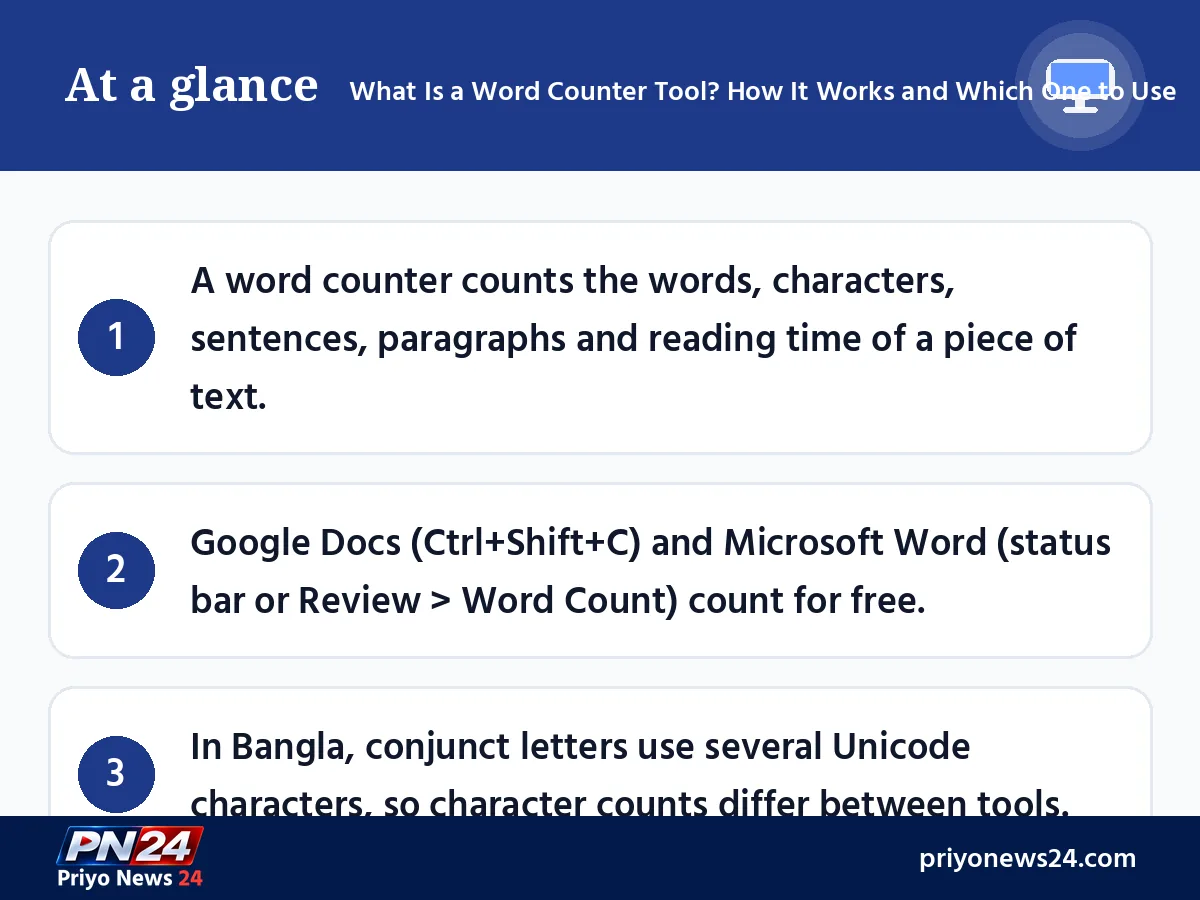
- A word counter counts the words, characters, sentences, paragraphs and reading time of a piece of text.
- Google Docs (Ctrl+Shift+C) and Microsoft Word (status bar or Review > Word Count) count for free.
- In Bangla, conjunct letters use several Unicode characters, so character counts differ between tools.
A school essay must stay under 500 words, an office report within 2 pages, a blog post over 1000 words, and a Facebook ad headline within a handful of characters. Everyday writing keeps asking us to watch length. Counting by hand is slow and error-prone, and that is exactly where a word counter tool helps. This guide explains what a word counter tool is, how it works, where to get one for free, how to choose an online tool, and what to keep in mind when counting Bangla text.
What is a word counter tool?
A word counter is a tool that shows several numbers as soon as you type or paste text into it:
- Words: the total number of words.
- Characters: counted both with and without spaces.
- Sentences and paragraphs: how the text is broken up.
- Reading time: many tools estimate it by assuming an average of 200-250 words per minute.
- Keyword density: some tools show how often each word appears, which is useful for SEO writers.
Computers usually count words by looking at spaces: whatever sits between two spaces or line breaks is one word. So "Dhaka-Chattogram" written with a hyphen is often one word, while "Dhaka - Chattogram" with spaces can change the count. That is why two tools sometimes differ by a few words, which is normal.
Who uses it most
Students use it to stay within assignment limits; bloggers and content writers to hit the length a client wants; job seekers to fit cover letters and online application forms with character limits; and digital marketers to keep ad headlines and meta descriptions short. On freelancing marketplaces many writing jobs are paid per word, so an accurate count means accurate payment.
Word counter in Google Docs: the free and easiest way
You can count words in Google Docs without visiting another website. According to Google's own help page, the steps are:
- Open your file in Google Docs.
- Choose Tools > Word count from the top menu, or press Ctrl+Shift+C on Windows or Cmd+Shift+C on a Mac.
- A box shows the number of pages, words, characters and characters excluding spaces.
- Tick Display word count while typing to keep the word count visible in the lower-left corner as you write. Google added this feature in 2019.
- To count only one paragraph, select it and press the same shortcut; the box then shows the count for the selection separately.
The Google Docs mobile app also has a Word count option in its three-dot menu, so you can track length while writing on your phone.
How to count words and characters in Microsoft Word
Microsoft Word is still the most common editor in offices and universities. It offers three ways to see the count:
- Status bar: the bottom of the window usually shows "xxx words". If it doesn't, right-click the status bar and tick Word Count. From the same menu you can switch on Character Count (with spaces) to keep the character count visible too.
- Review tab: Review > Word Count shows pages, words, characters with and without spaces, paragraphs and lines.
- Shortcut: on Windows, Ctrl+Shift+G opens the same box.
The "Include textboxes, footnotes and endnotes" option in that box decides whether footnotes and text boxes are counted. Set it according to your assignment instructions.
Counting words in Google Sheets or Excel
Spreadsheets help when you need to check a list or many product descriptions at once. =LEN(A1) gives the total characters in cell A1. In Google Sheets, =COUNTA(SPLIT(A1," ")) gives the word count by splitting on spaces. For an online shop that must keep hundreds of product titles within a limit, this saves a lot of time.
Word counter online: 6 rules for choosing a good tool
Search for "word counter online" and you will find countless websites; many people also look for names such as the Small SEO Tools word counter. Check these points before you pick one:
| What to check | Why it matters |
|---|---|
| Bangla support | Paste Bangla text and see whether the word count matches Google Docs |
| Privacy policy | Whether your text is stored on a server, stated clearly |
| Ad load | Sites full of pop-ups make it easy to click the wrong button |
| Extra stats | Sentences, paragraphs, reading time and keyword density |
| Works offline | Some tools count inside the browser and still work on a slow connection |
| HTTPS | Whether the address starts with https |
Important warning: never paste confidential office reports, contracts, exam questions or anyone's personal data into an unknown website. For text like that, the built-in counter in Word or Google Docs is the safe choice.
When a character counter matters more
In some places the real limit is characters, not words. For example, a post from a standard account on X (formerly Twitter) is limited to 280 characters. Google has not set a fixed character limit for meta descriptions, but long ones get cut off in results, so many people keep them around 150-160 characters. Government and job application forms online often say something like "maximum 500 characters". Measuring first with a character counter saves you from text being cut off when you submit.
What to know when counting Bangla text
In Bangla Unicode, one letter you see on screen is often built from several computer characters. "ক্ষ" needs ক, the hasant (্) and ষ, a total of 3 Unicode characters. "কি" needs ক and the ি vowel sign, 2 characters. As a result:
- The same Bangla text can show different character counts in different tools, depending on whether a tool counts Unicode characters or visible letters.
- Word counts are usually close, because words are counted by spaces.
- Text typed in old Bijoy fonts (not Unicode) may give wrong counts. Convert it to Unicode first.
- If you put a space before the dari (।), many tools count the dari as a separate word. Put it right after the word; the count stays correct and the text looks better.
Where strict word limits apply, such as scholarship applications, ask which software's count the institution accepts and submit a few words under the limit.
Common mistakes when using a word counter
- Chasing the number: repeating the same point to reach 1000 words lowers quality, and both readers and search engines notice.
- Confusing what counts: reference lists are often excluded from assignment limits; read the instructions first.
- Copying formatting along with text: copying from a web page can bring hidden menu text into the count. Paste as plain text (Ctrl+Shift+V).
- Treating one tool as final: a difference of a few words between two tools is no big problem; the count on the platform where you submit is the one that counts.
Final word
A word counter is a small tool, but it saves time and trouble in regular writing. For everyday work, Ctrl+Shift+C in Google Docs or the status bar in Microsoft Word is enough; if you need an online tool, choose one with Bangla support and a clear privacy policy. Remember that word count is a yardstick, not a goal: good writing comes from clear facts and simple language. To learn about writing original content, see our guide on how to create plagiarism-free content.
Checked against the Google Docs and Microsoft Word menus as of November 2026. Menu names or positions may change with software updates.
FAQ
What is a word counter tool?
A word counter is software or an online tool that counts the words, characters (with and without spaces), sentences, paragraphs and estimated reading time of the text you type or paste into it. It helps you match the length required for assignments, blog posts, SEO meta descriptions and social media posts.
How do I see the word count in Google Docs?
In Google Docs, open Tools and click Word count, or press Ctrl+Shift+C on Windows or Cmd+Shift+C on a Mac. Tick 'Display word count while typing' in that box to keep the count visible in the corner while you write. If you select part of the text, it also shows the count for just that selection.
What is the best word counter?
There is no single best tool for everyone. For everyday work, the built-in counters in Google Docs and Microsoft Word are the most reliable because your text never leaves the editor. If you use an online tool, check that it counts Bangla correctly, is not overloaded with ads and has a clear privacy policy.
Is my text safe in an online word counter?
Not every tool is the same. Some count only inside your browser, while others may send the text to their server. Don't paste contracts, confidential office reports or personal data into unknown websites; use the built-in counter in Word or Google Docs instead.
Why do Bangla character counts differ between tools?
One visible Bangla letter is often built from several Unicode characters; for example 'ক্ষ' uses ক, the hasant and ষ. Some tools count Unicode characters and others count visible letters, so the numbers don't match. Word counts are usually close across tools because words are counted by spaces.
Sources
- Google Docs Editors Help — Count the words in a document
- Engadget — Google Docs now displays the word count as you type
- How-To Geek — How to Count Characters in Word
- PCWorld — How to permanently display your character count in Microsoft Word
- Erin Wright Writing — How to View the Word Count in Microsoft Word
- Tom's Guide — How to view word count in Google Docs
Comments
No comments yet — be the first to comment.